Shopify templates, set up and customized for your store
Shopify templates, which Shopify calls themes, decide how your whole store looks. We help you pick a free or premium theme from the Shopify Theme Store, set it up with your brand, products and pages, and customize it so theme updates still install. You get a fixed quote first.
Why it matters
What Shopify templates are and what we set up
Shopify keeps two words apart that most people use for the same thing. A theme is the whole design of your online store, from the header and fonts to every page. A template is one part of that theme, and it sets the layout for a single page type, such as product pages or collection pages. When store owners look for Shopify templates, they almost always mean themes. Those come from the Shopify Theme Store, which has free themes made by Shopify and paid themes made by outside designers.
A Theme Store theme gives you a tested layout, yet out of the box it still carries the designer’s demo photos, colors and sample text. Our setup work replaces all of it with your own. We adjust the colors and fonts, design banner and icon graphics for your brand, install the theme in your store, and build your home, collection, product and content pages in the theme editor. When one kind of product needs its own layout, we add an extra template for it, so a bundle can have a different product page from a single item.
Frannie Kline founded OC Designs Online in 2005, and our family-owned team in New Jersey has designed Shopify stores for parts sellers, pet supply shops, boutiques and audio retailers. When a premade theme can’t do what your store needs, the same team designs custom Shopify themes, and we tell you in the consultation which route fits.
Tell us about your storeWhat you get
Help choosing the theme
We compare free and premium Theme Store themes against your catalog, and you try the shortlist in your own store before you buy.
Your colors and graphics
Logo placement, colors, fonts, buttons, banners and icons designed by our team to match your brand.
Home page and key pages
Home page sections, collection and product pages, About, Contact, FAQ and policy pages built in the theme editor.
Extra templates where you need them
Alternate product, collection or page layouts, for example one for bundles and another for single parts.
Menus, collections and products
Navigation, collections and filters set up. Product imports from a spreadsheet or another store are quoted up front.
Changes that survive updates
Most work done in theme settings and the theme editor, with any code edits written down for the next theme update.
Installed and tested
Checked on phones, tablets and desktops, with your apps and checkout, before the theme goes live.
Help after launch
We show your team the theme editor and fix text, links and small layout issues free for 14 days after launch. You can call us Monday to Friday, 9 to 5 ET.
Theme Store
Free or premium Shopify theme?
Both kinds come from the Shopify Theme Store and install the same way. They differ in who makes them, what they cost and who supports them. Figures as of October 2026.
| Free Shopify theme | Premium (paid) theme | |
|---|---|---|
| Made by | Shopify | Outside theme designers, reviewed by Shopify before listing |
| Price | Free with your Shopify plan (the Starter plan can only use Spotlight) | One price set by the designer, between $100 and $500, paid through Shopify |
| How many to choose from | 24 free themes | hundreds of free and paid themes |
| Trying it first | Add it to your theme library and edit it freely | Preview up to 19 paid themes in your store; theme editor changes are kept if you buy |
| License | Free to use in your store | Licensed to the one store it was bought for; purchases are final sale |
| Updates | New versions from Shopify | New versions from the designer, for licensed copies only |
| Support | Shopify Support, including up to 60 minutes of free design time on Basic and higher plans | The theme designer, who must reply within two business days but doesn’t do customizations |
Source: Shopify Help: adding, previewing and buying themes · Shopify Dev: Theme Store listing prices · Shopify Help: theme support · Shopify Theme Store
Recent work
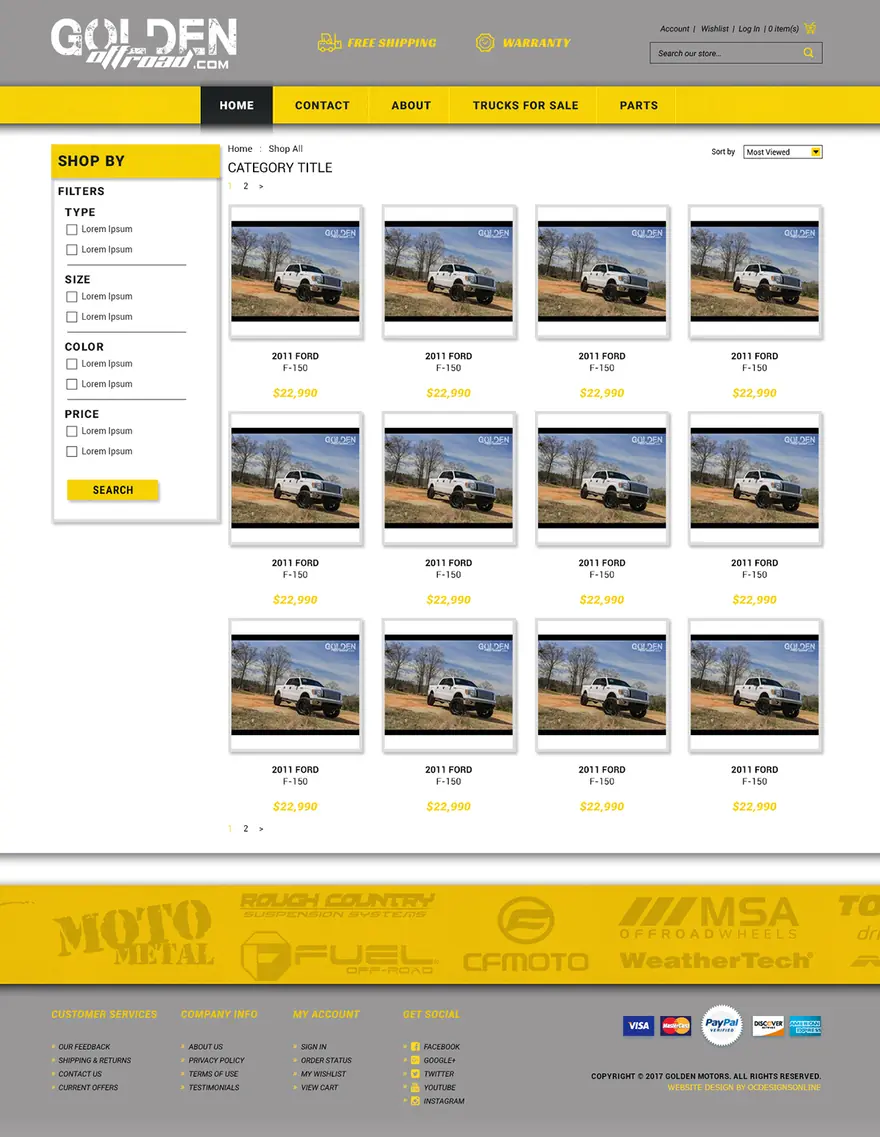
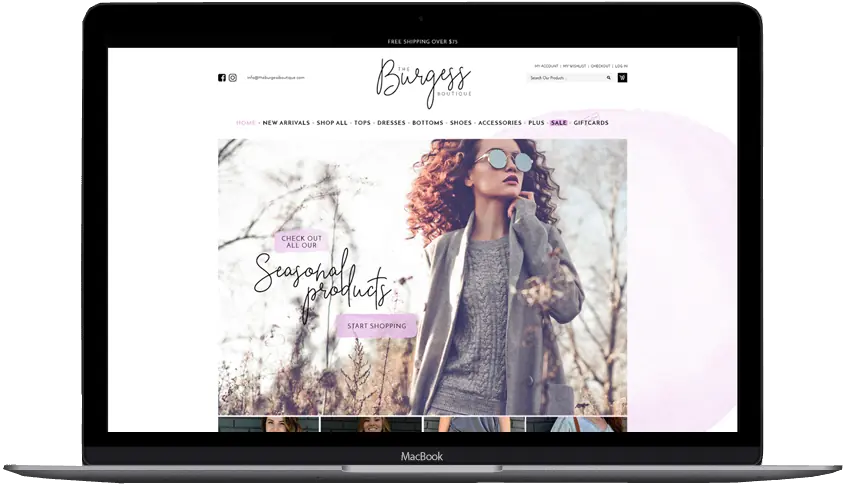
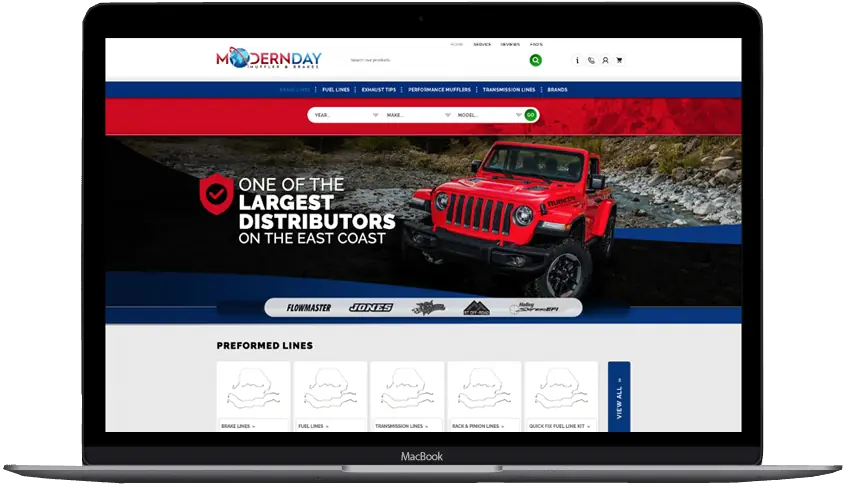
Shopify stores from our team
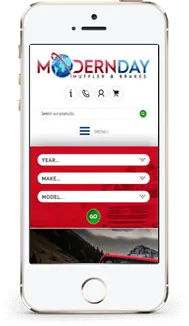
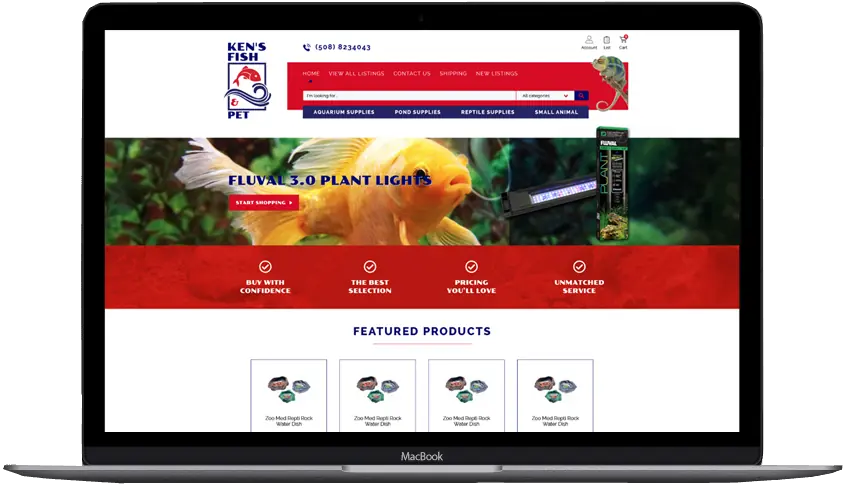

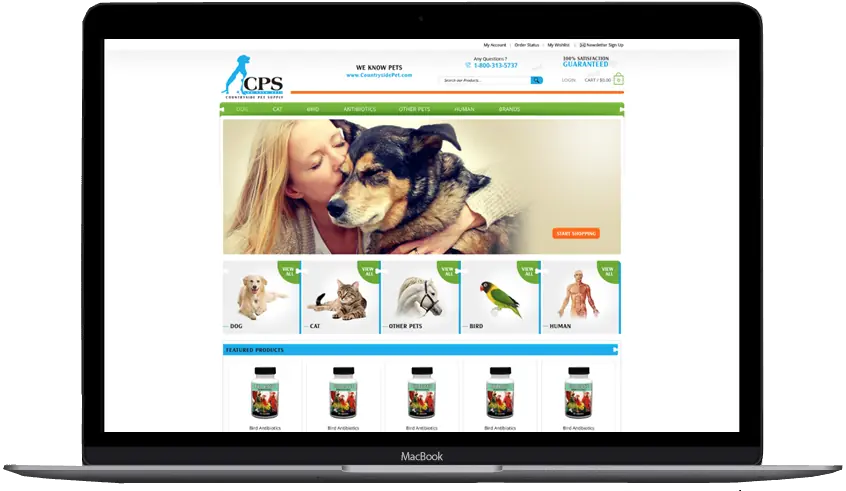

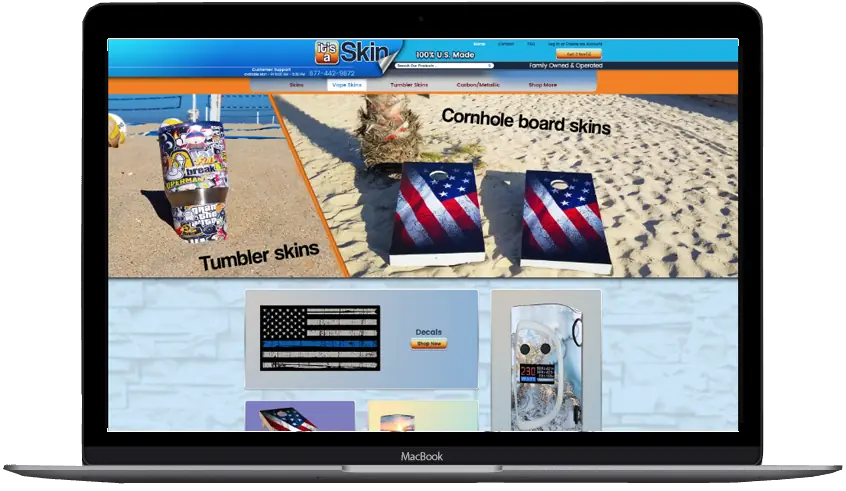
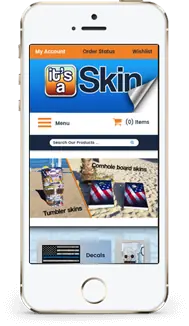
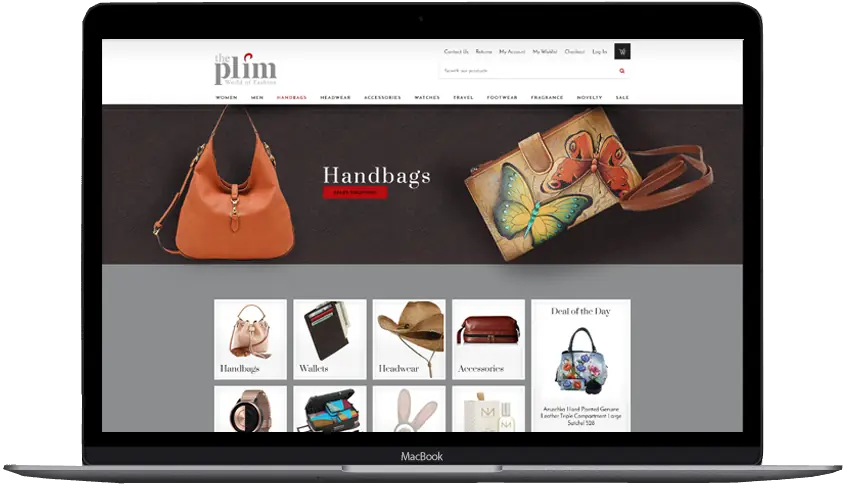
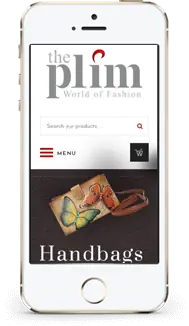
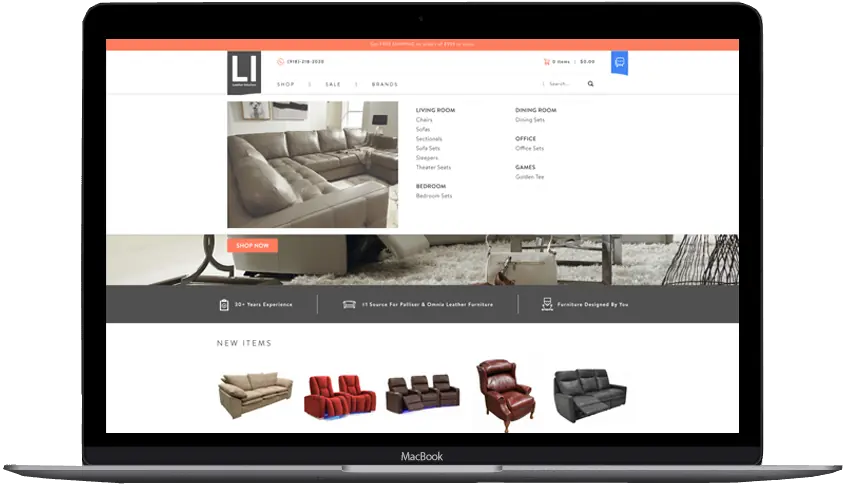
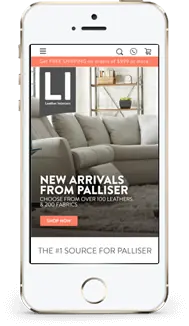
Choosing a theme
How to choose a Shopify template for what you sell
Almost every theme looks good in its demo. Whether one works for your store depends on your catalog, so these are the things we check for each kind of store before you buy.
| What you sell | What the theme has to handle | What we check in the demo |
|---|---|---|
| Auto and powersports parts | Long product titles, part numbers and fitment notes | Search that finds part numbers, room for spec tables, and space for a year, make and model finder |
| Clothing and boutiques | Sizes, colors and many photos per product | Color swatches, size charts on product pages and quick view on collection pages |
| Pet and specialty supplies | Repeat buyers and many similar products | Collection filters, product recommendations and room for app blocks such as subscriptions |
| Electronics and audio | Specs, comparisons and manuals | Tabs or collapsible rows for specs, and product pages that stay readable on a phone |
| A few hero products | Telling the full story of each product | Long product pages built from sections, with video, reviews and questions |
| Large catalogs | Hundreds of collections and thousands of products | Mega menus, filtering and collection pages that stay quick with many products |
Free consultation
Book a free consultation for your Shopify theme
Tell us what you sell and which themes you like, or ask us for a shortlist. We reply within one business day and send a fixed quote after we talk.
- Fixed price before any work starts
- You buy the theme in your own store, so the license stays yours
- Your current store keeps selling while we work
- No monthly design fees
Prefer to talk? (609) 675-0912, Monday to Friday, 9 to 5 ET.
Template or custom
Customize a premade theme or go custom?
A premade theme that is set up well carries most stores for years. These are the signs we look for, and what each route can do about them.
| What you notice | A premade theme we set up and customize | A custom Shopify theme |
|---|---|---|
| You’re opening your first Shopify store | Usually the right start, with your brand applied | Rarely worth it until you know what sells |
| The store still looks like the theme demo | Your colors, fonts, graphics and photos replace the demo look | A design drawn only for your brand |
| Product pages can’t show what buyers ask about | Extra sections and alternate templates, where the theme allows them | Product layouts built around your specs, sizes or fitment |
| You need a feature no theme offers | An app block, or one small custom section | Built into the theme, such as a parts finder or Make an Offer |
| Apps have piled up and pages load slowly | Remove apps you no longer use, then test speed again | Features coded into the theme, with speed tested before launch |
| Theme updates keep breaking your changes | Move the changes into theme settings and our own sections | No outside updates to merge, because we maintain the code |
Theme updates
Customizing a Shopify theme without losing updates
Theme designers keep improving their themes, and Shopify delivers each new version as a draft copy in your theme library. How a change was made decides whether it carries over to that copy. This is how it works as of October 2026.
| How the change is made | Examples | When the theme updates |
|---|---|---|
| Theme editor settings | Colors, fonts, logo, menus, section order, text and images | Copied to the updated theme automatically |
| Templates and sections added in the theme editor | A second product layout for bundles, a landing page | Copied with the other theme editor changes |
| App blocks and app embeds | Reviews, subscriptions, wishlists | Kept, because they are placed through the theme editor |
| Edits to the theme’s own code | Changed Liquid, CSS or JavaScript files | Kept only when they don’t conflict with the update; otherwise they are copied over by hand |
| Themes uploaded as a file | A theme bought outside the Shopify Theme Store | No updates, because Shopify only updates themes installed from the Theme Store |
Source: Shopify Help: updating themes · Shopify Help: theme versions and architecture
Cost
What decides the cost of a Shopify theme setup
Theme setup with your colors, graphics and installation starts at $999. Every store gets a fixed quote after a free consultation, and these are the things that move it up from there.
| What we look at | Why it changes the work |
|---|---|
| The theme you choose | Some themes come close to your brand with color and font changes. Others need more sections rebuilt before the demo look is gone. A premium theme is bought from Shopify, separately from our work. |
| Graphics | Banners, icons and collection images designed for your brand take design time. A new logo is a separate project. |
| Number of pages | The home page, collection pages and product pages are the core. Landing pages, a blog, wholesale or FAQ pages each add time. |
| Products and collections | A few collections are quick to set up. Importing hundreds of products with variants and images is quoted as its own stage. |
| Extra templates and sections | Each alternate template or custom section is designed, built and tested on phones and desktops. |
| Apps | Reviews, subscriptions or shipping apps are installed, placed in the theme and tested with checkout. |
| Moving from another platform | Coming from eBay, Magento, WooCommerce or Volusion adds a data move and 301 redirects for your old addresses. |
How we work
How we set up a Shopify theme while your store keeps selling
Your live theme stays published until you approve the new one, because every step happens on a draft theme in your theme library.
Try the shortlist
You preview the paid themes on our shortlist in your own store, with your own products, before you buy one.
Buy in your store and back it up
You buy the theme in the store that will use it, because the license belongs to that store. We duplicate the theme before we change anything.
Set up on a draft copy
We apply your brand, graphics, pages, menus and collections on the unpublished theme, mostly in the theme editor so future updates carry the work over.
Preview and approve
You get a preview link and check the store on your phone and computer. We test checkout, apps and forms before launch.
Publish and keep a record
We publish the new theme, keep the old one in your library as a fallback, and give you a list of any code edits so the next update goes smoothly.
Source: Shopify Help: duplicating themes · Shopify Help: adding, previewing and buying themes
Already on Shopify
Is your current theme dated, or fighting your updates?
Send your store address. We look at your current theme before we talk, so the consultation starts with your store.
- We tell you whether to update, customize or replace your theme
Prefer to talk? (609) 675-0912, Monday to Friday, 9 to 5 ET.
Choosing help
How to choose who sets up your Shopify template
Shopify suggests hiring a partner when a paid theme needs changes, and its Partner Directory lists thousands of them for theme customization. Ask any of them these questions before you hand over access.
| Question to ask | A good answer | Our answer |
|---|---|---|
| How will you get into my store? | A collaborator or staff account you approve, never your owner password | An access request you approve, with only the permissions we need |
| Who buys the theme license? | You, in your own store | You do, after we help you choose |
| Will theme updates still work afterwards? | Most changes kept in the theme editor, code edits listed | Yes, and you get the list of any code edits |
| Who does the work? | A team you can name, not resold work | Our in-house team in New Jersey |
| Is the price fixed? | A written quote before work starts | A fixed quote after a free consultation |
| What happens after launch? | Help from the people who did the setup | Phone support Monday to Friday, 9 to 5 ET |
Source: Shopify Partner Directory: theme customization · Shopify Help: collaborator accounts
Watch
Watch how we design Shopify stores
A short video from our team about the stores we design and how we work.
More on our YouTube channelClient words
Sellers say it better than we can
-
They lived up to their reputation, their claims, their portfolio, their reviews, and genuinely went above and beyond in explaining and guiding us every step of the way. … You will have tremendous success with what is — we can assure you — marginal costs compared to other so-called professionals.
Sprinkler HutShopify & BigCommerce store
-
We started with an eBay store and eBay listing. This had my sales skyrocket in ways I would have never thought. Taking the same design scheme and moving it to a website makes branding everything tie together.
Modern PrepeBay store, listing template & website
-
Our customers and peers comment all the time about how professional our storefront appears and how clean and crisp our listings are. Most responsive company, delightful to work with. Highest recommendation.
ConnectiblesCustom eBay store
-
Frannie and OC Designs did an AMAZING job redesigning our Stun & Run Self Defense website. … We were not wrong.
Stun & Run Self DefenseBigCommerce store redesign
-
They were super friendly and open to feedback throughout the entire process. The in-depth questionnaires really helped us relay exactly what we wanted our new site to look like.
Kyrie VanOverWebsite makeover
-
OCD is great to work with and very responsive! More importantly they still support you long after the sale.
Jeff ArkelleBay design client
-
We have been working with the team at OCdesigns for the last six years. They are always fast to reply to our requests, and our project manager is always on top of everything to do with our job. Hire OCdesigns, you will not be sorry!
Northern Marine ElectronicseBay & BigCommerce redesign
-
They are real people in the USA that can be reached in a variety of ways. Yes, they have a phone number and answer their calls!
Modern PrepLong-time client
Good questions
Questions about Shopify templates
Something else on your mind? Call (609) 675-0912 and a real person answers.
How our projects workAre you a Shopify Partner?
Yes. OC Designs Online is a Shopify Partner and is listed in Shopify’s Partner Directory. Our own in-house team in New Jersey sets up and customizes every theme.
Does Shopify have templates?
Yes. Shopify calls a complete store design a theme, and the Shopify Theme Store has free themes made by Shopify and paid themes from outside designers. Inside every theme are templates, which set the layout for one type of page, such as product pages, collection pages or the home page.
What is the difference between a Shopify theme and a template?
A theme controls the look of your whole store: colors, fonts, header, footer and every page. A template is one part of a theme that sets the layout for a page type. You can add extra templates to a theme, for example a second product layout for bundles, and assign it to the products that need it.
Should I use a free or a premium Shopify theme?
A free theme from Shopify is a good start for a new store or a small catalog. A premium theme is worth buying when it already has features you would otherwise pay to have built, such as stronger filtering, mega menus or richer product page layouts. We compare both against your catalog in the consultation.
How much does Shopify theme setup cost?
The price depends on how many pages and graphics you need, how many products we set up or import, and whether you need extra templates, sections or apps You get a fixed quote after a free consultation, there are no monthly design fees, and a premium theme is bought from Shopify separately.
Do I buy the theme, or do you?
You do, in the Shopify store that will use it. Shopify licenses a paid theme to the store it was bought for, so buying it in your own store keeps the license, support and updates with you. You can try paid themes in your store before you buy, and we help you choose.
Will customizing my theme stop it from updating?
Not when the changes are made in the theme editor. Shopify copies theme editor changes into each updated version. Code edits carry over only when they don’t conflict with the update, so we keep them to a minimum and give you a list of any we make.
Can you customize the Shopify theme I already have?
Yes. We can work on the theme your store uses now, whether you set it up yourself or another developer did. We look at it first, back it up, and make the changes on a draft copy, so your live store isn’t affected until you approve them.
Can you set up Dawn or one of the Horizon themes?
Yes. Dawn and the Horizon themes are free themes made by Shopify. Horizon themes use theme blocks, which let you build more of each page in the theme editor. We set them up and customize them the same way as any other Theme Store theme.
How do you get access to my Shopify store?
We send an access request, which you approve in your store settings with the permissions you choose. You never need to share your owner password, and you can remove our access at any time.
Can I edit the store myself after setup?
Yes. Text, images, banners, menus, colors and the order of sections are yours to change in the theme editor, and products stay in your Shopify admin as always. We show your team how it works at launch. New layouts or features that need code are changes we can make for you.
When is a custom Shopify theme better than a template?
When your products need layouts or features no theme offers, such as a year, make and model parts finder, or when you want a design no other store has. We design custom Shopify themes too, so we can tell you in the consultation which route suits your store and budget.
Do I own the work?
You own the graphics, the content and any custom sections we build for you. A premium theme stays under its designer’s license for your store, which is how every Theme Store theme works.
Related services
- Shopify store designCustom Online Store 2.0 themes, custom sections and migrations, with a fixed quote. You own the theme.Learn more
- Shopify portfolioCustom Shopify themes and store designs for boutiques, parts sellers and specialty brands.Learn more
- Custom logo designAn original logo for your eBay store, website and packaging: $150, with revisions and your original files.Learn more
Start a project
Let’s make yours the store buyers remember.
- Fixed quote before any work starts
- In-house team in New Jersey, no outsourcing
- Support long after launch
Prefer to talk? (609) 675-0912 · frannie@ocdesignsonline.com