

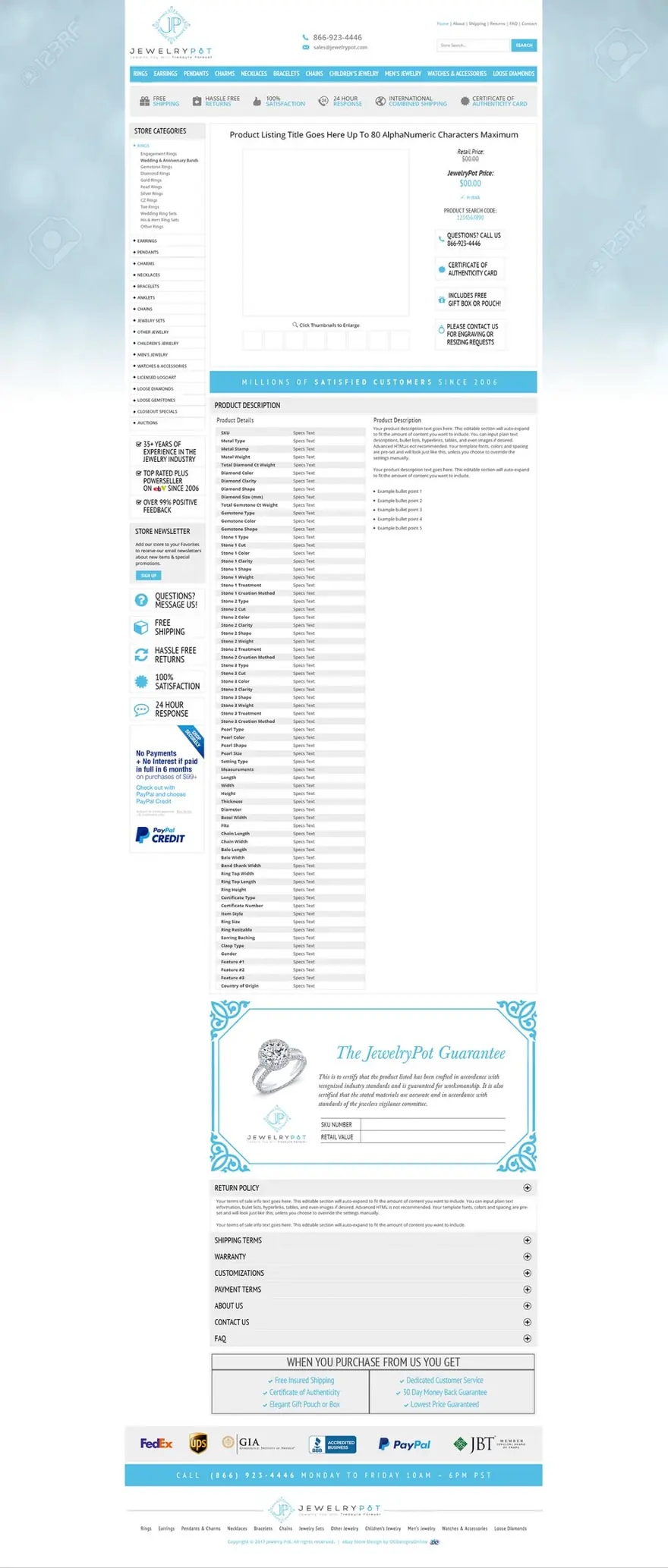
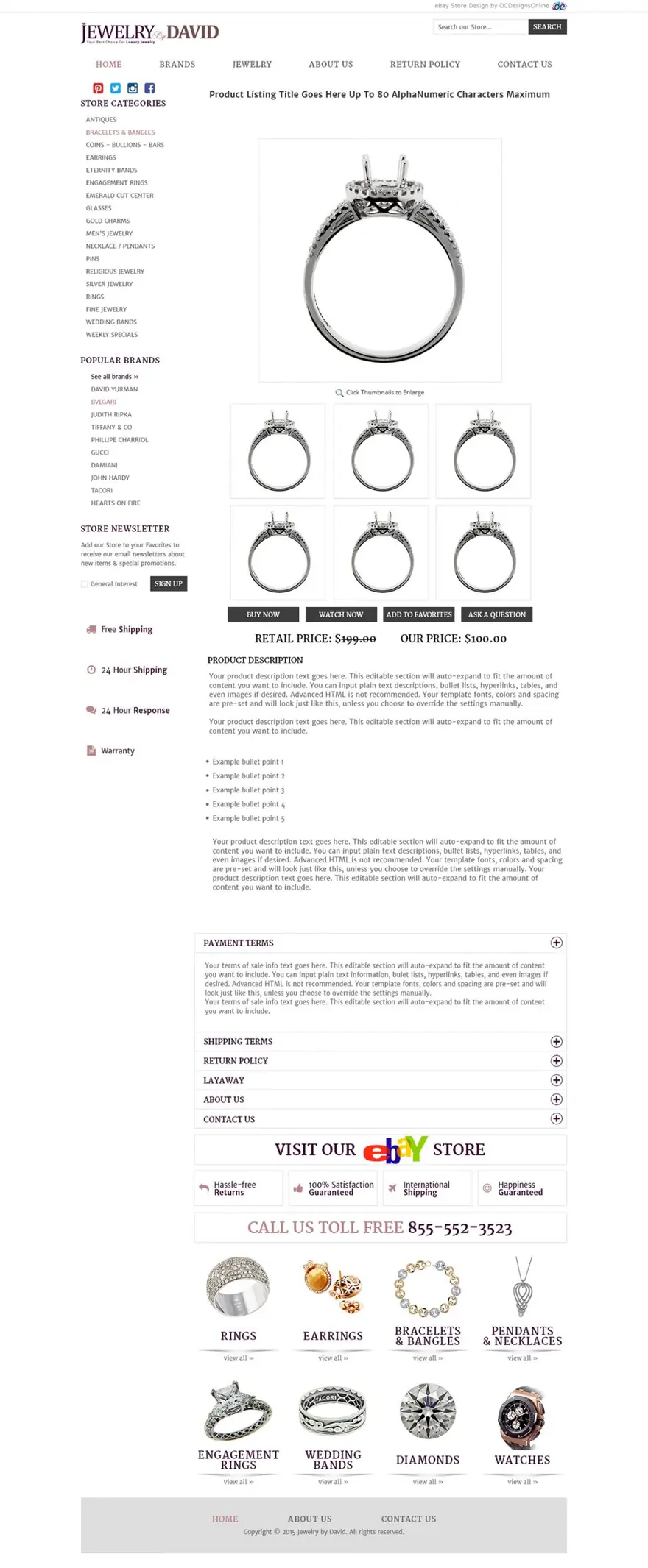
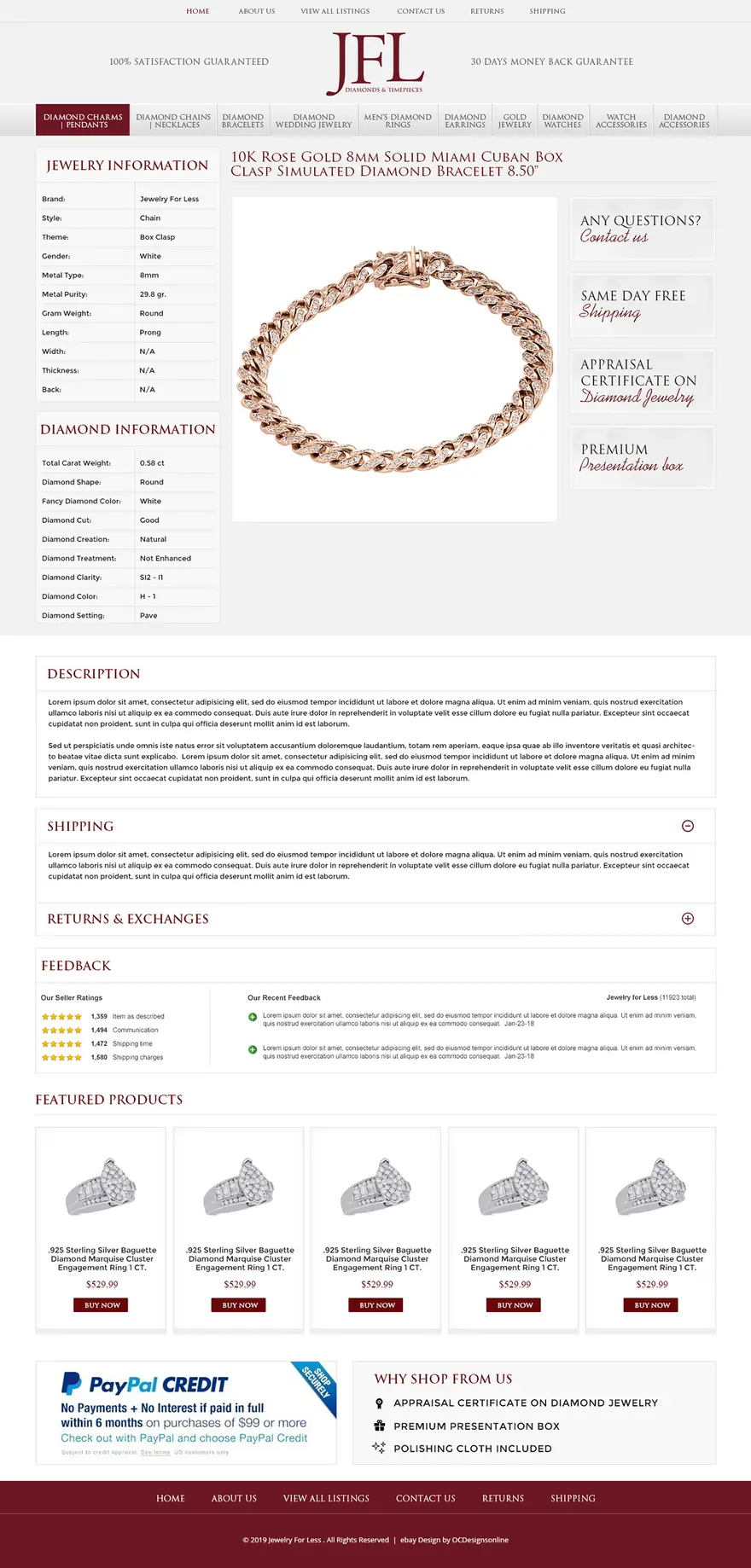
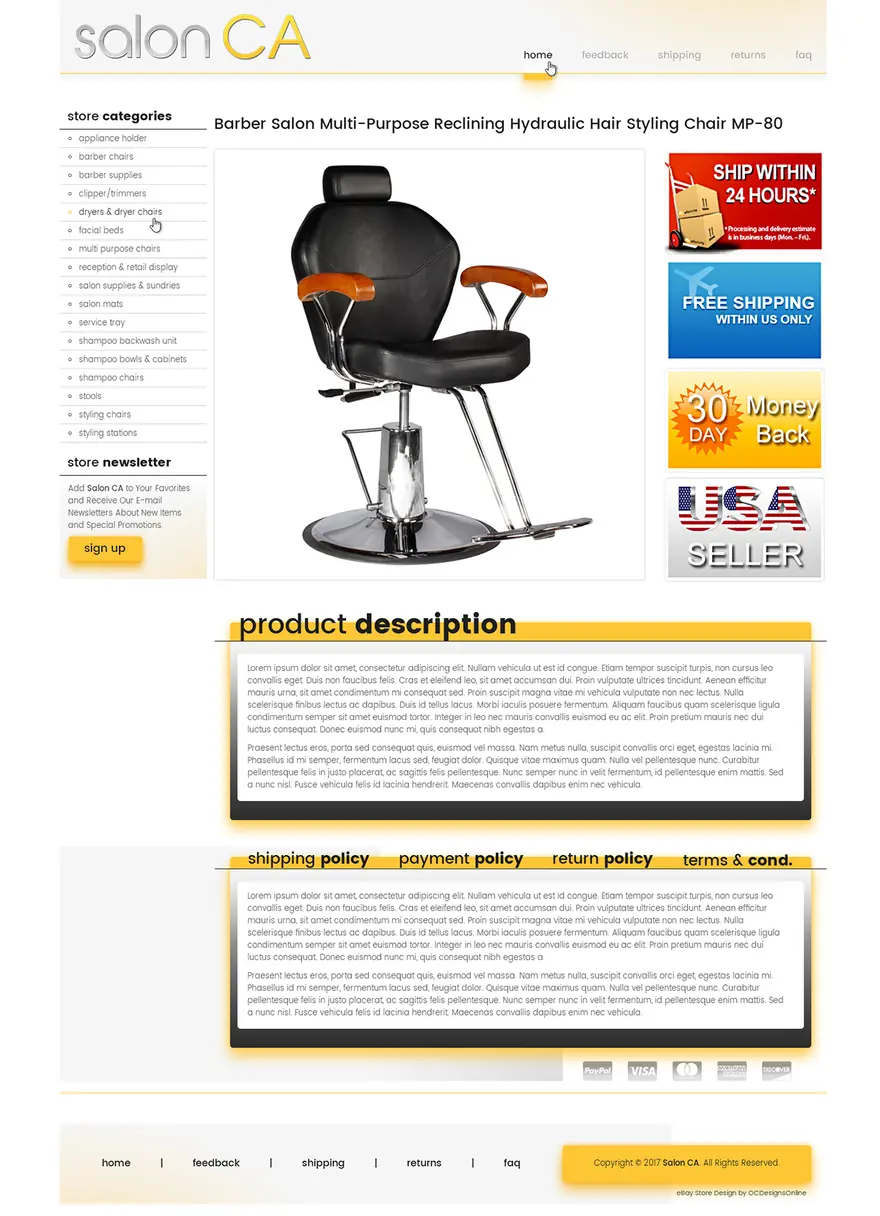
Responsive eBay listing templates built for the eBay app
A responsive eBay listing template resizes to fit the screen it’s on, so your description stays readable on a phone, in the eBay app and on a desktop without zooming or sideways scrolling. Ours are mobile-first, CSS-only and tested in the eBay app before they go on your listings.
Why it matters
Why responsive eBay listing templates matter
eBay says more than half of all transactions are viewed on a mobile device before purchase. Older templates were built for desktops and squeezed onto phones: tiny text, side menus that break, images that run off the screen. We start with the phone layout and add space as the screen grows.
The eBay app shows listings differently from the website, so we test both. Because the templates are CSS-only, they keep working when eBay changes its pages.
Tell us about your storeWhat you get
Phone-first design
Readable text, thumb-friendly sections and no sideways scrolling.
Fluid images
Photos and banners scale to the screen without cropping your product.
Clear structure
Description, specifics, shipping and returns in a clear order that stacks on phones.
No active content
No JavaScript, so nothing gets stripped or blocked by eBay.
eBay’s numbers
eBay mobile description requirements (2026)
What eBay asks for in descriptions that phone buyers read:
| Requirement | What eBay says | How we build it |
|---|---|---|
| Text size | A 16 px base font with one or two sizes, and nothing smaller than 12 px. | Body text at 16 px, headings in one larger size. |
| Widths | No absolute sizes in CSS; fixed-size items no wider than 700 px. | Fluid widths that fit any screen. |
| Viewport | eBay adds the mobile viewport tag to the item page itself (since 2019). | Nothing extra in your description. |
| Photos | Upload photos through eBay’s uploader (up to 24, at least 500 px on the longest side), because phone buyers may never scroll to images in the description. | Main photos stay in eBay’s gallery. |
| Shipping and returns | Keep them in the listing’s own fields, which phones always show. | The template can repeat a short summary. |
| Scripts and tabs | No JavaScript; eBay’s mobile guide also advises against tabs. | Sections that stack in order, no tabs on phones. |
| Links | Only HTTPS links to images, product videos, freight shipping and legal information. | Secure images only. |
Source: eBay mobile-friendly guidelines · eBay: make your listings more mobile-friendly · eBay developer guide: description formatting
In the eBay app
The eBay mobile summary: what phone buyers see first
In the eBay app, a designed (HTML) description sits behind “See full description”. An eBay designer explained that a plain-text description is shown on the item page without a click, while an HTML description is shown only after the buyer taps.
eBay’s developer docs describe a mobile summary you can add inside the description: up to 800 characters of plain text that eBay can show to phone buyers. Adding one means phone buyers can read your key points before they tap. In 2025 eBay also tested AI-written description highlights in the app (reported by Value Added Resource), so clear item specifics help there too.
Source: eBay developer guide: mobile description summary · Value Added Resource: descriptions in the eBay app
<div vocab="https://schema.org/" typeof="Product">
  <span property="description">
    Your key selling points in plain text,
    up to 800 characters.
  </span>
</div>
Recent work
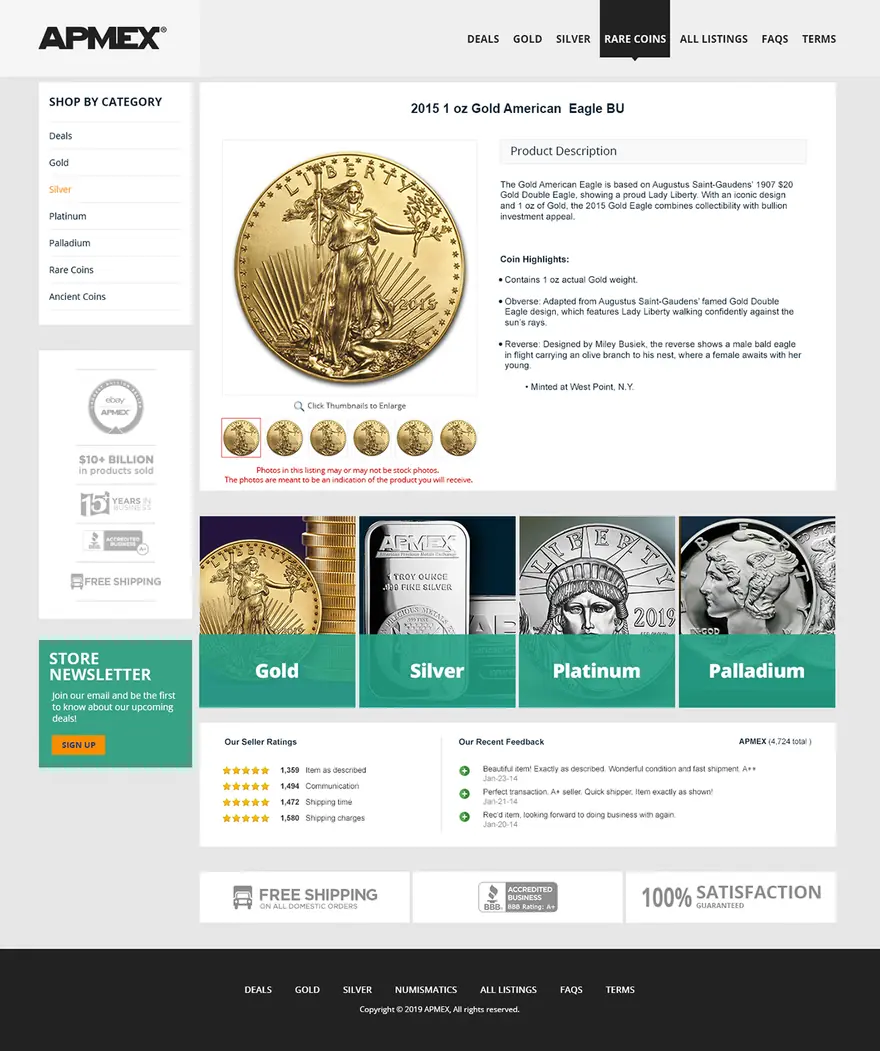
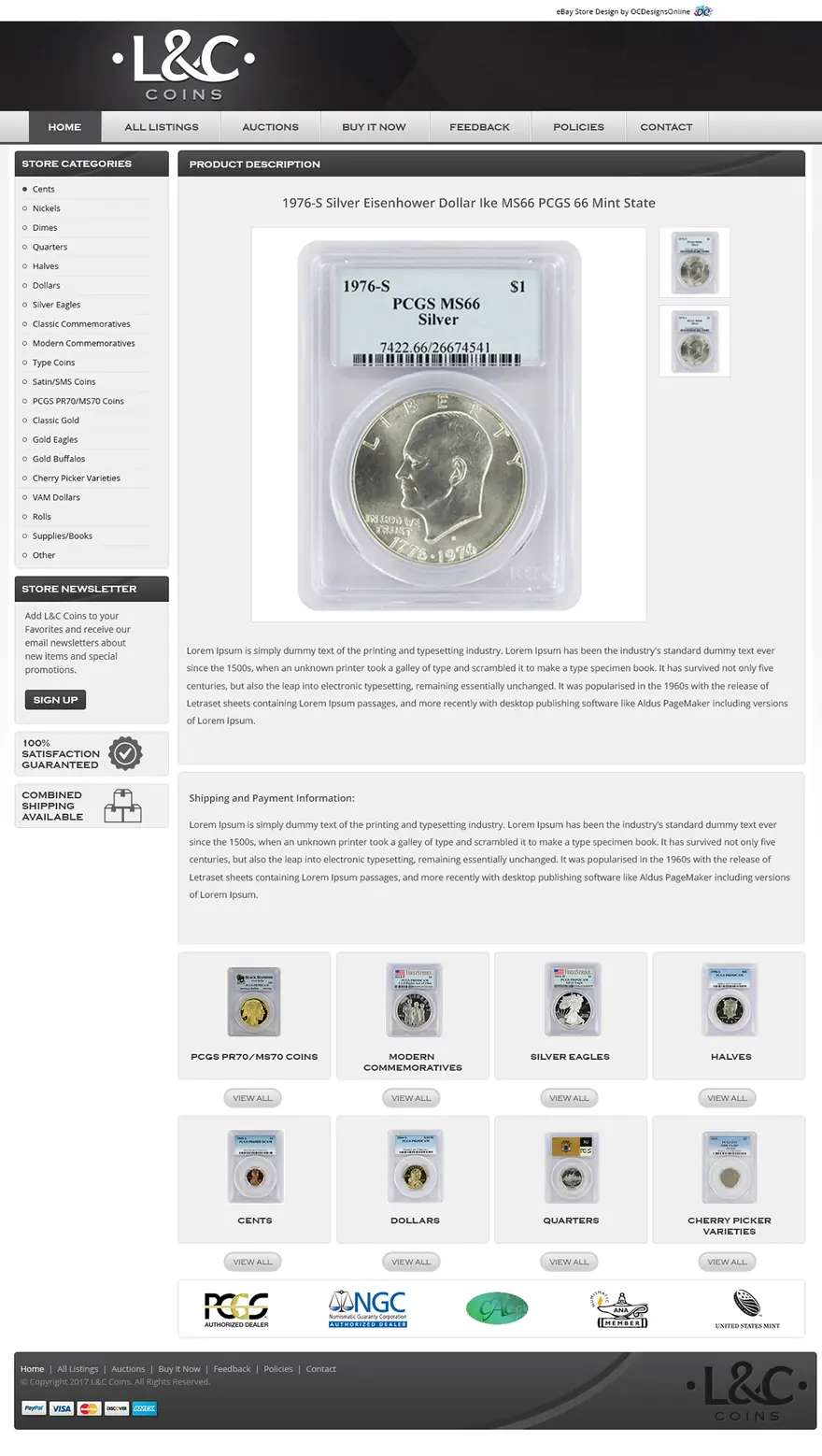
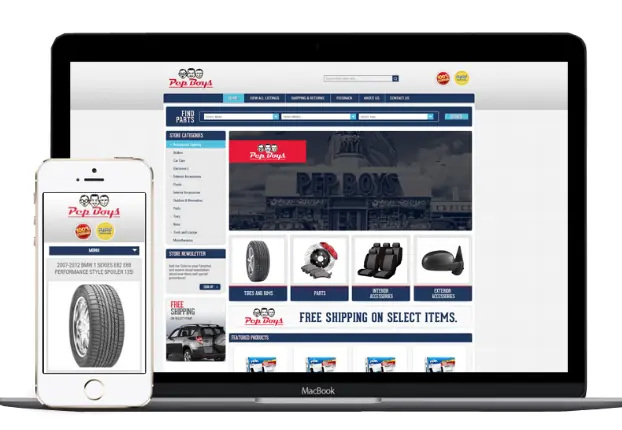
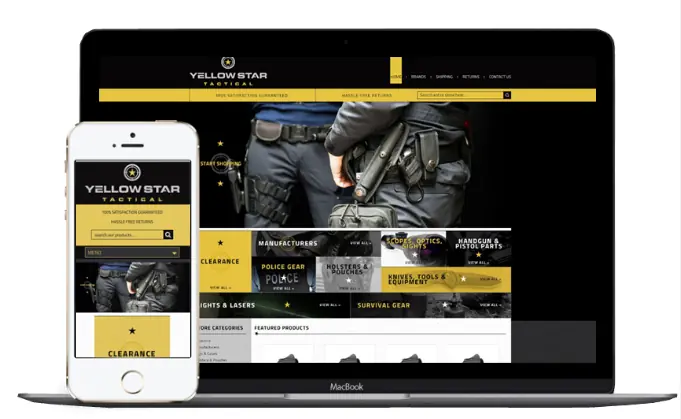
Responsive eBay listing templates we designed
Free preview
See your listings on a phone first
Send a link to one of your listings. We reply within one business day and design a free preview with your own item, checked on phones and in the eBay app.
- Built for phones first, tested in the eBay app
- A free preview, then unlimited revisions
- No relisting
Prefer to talk? (609) 675-0912, Monday to Friday, 9 to 5 ET.
Listing X-ray
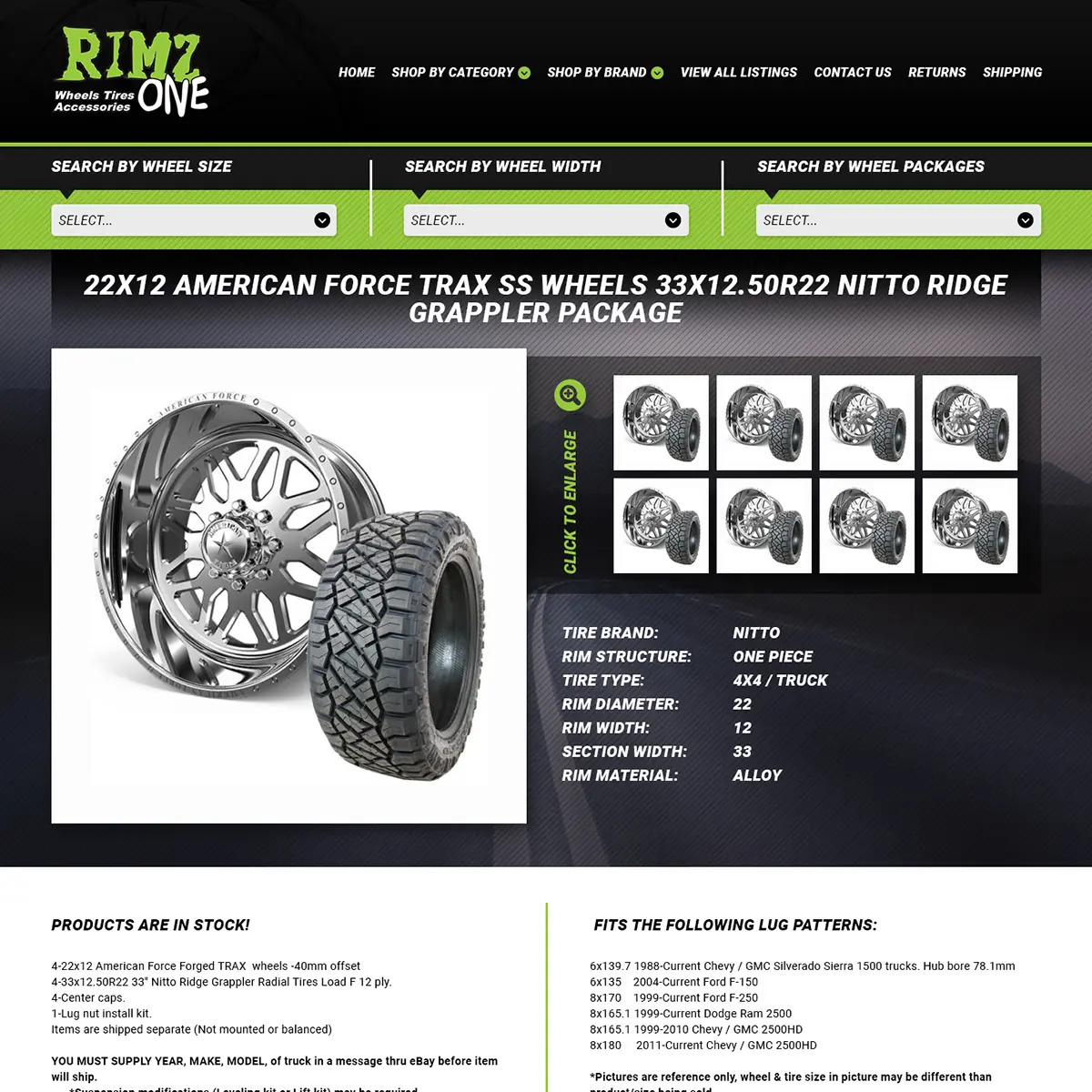
The same item in two very different listings
Buyers decide in seconds whether a seller looks trustworthy. A branded template answers their questions before they ask (returns, shipping, condition, who you are) and keeps them browsing your other items.
- No active content. Plain HTML and CSS, as eBay has required since June 2017.
- Built for phones. Laid out for the screen most eBay buyers use.
- Ready to paste. It works in eBay’s listing form and the tools you already use.
Quality checks
What we test on every responsive template
Before a template goes on your listings, we check it in the places your buyers shop.
The eBay app
The description, the mobile summary and the “See full description” view on a phone.
Phone browsers
eBay’s mobile website at small screen sizes.
Tablet and desktop
The full layout at larger sizes, with nothing stretched or cropped.
Your listing tool
The template saves and publishes correctly from the tool you use.
How we work
From first call to five-star storefront
A real person manages your project from start to finish. You always know what happens next, what it costs and who to call.
Start with the questionnaire-
Questionnaire
Tell us about your brand, your buyers and your goals in our in-depth questionnaire. We look at your current store and send a fixed quote before any work starts.
-
Design
We design your billboard, logo and listing template (or your full Shopify or BigCommerce store) and show you real mockups, not mood boards.
-
Refine
Revisions until it feels right. Every layout is checked on phones, tablets and desktops before it goes anywhere near your listings.
-
Launch & support
We install it, test it with your listing tool and stay a phone call away long after launch.
Ready when you are
Make every listing mobile-ready
Send your store link. We reply within one business day with a plan for your listings.
Prefer to talk? (609) 675-0912, Monday to Friday, 9 to 5 ET.
Client words
Sellers say it better than we can
-
We started with an eBay store and eBay listing. This had my sales skyrocket in ways I would have never thought. Taking the same design scheme and moving it to a website makes branding everything tie together.
Modern PrepeBay store, listing template & website
-
Our customers and peers comment all the time about how professional our storefront appears and how clean and crisp our listings are. Most responsive company, delightful to work with. Highest recommendation.
ConnectiblesCustom eBay store
-
Frannie and OC Designs did an AMAZING job redesigning our Stun & Run Self Defense website. … We were not wrong.
Stun & Run Self DefenseBigCommerce store redesign
-
They were super friendly and open to feedback throughout the entire process. The in-depth questionnaires really helped us relay exactly what we wanted our new site to look like.
Kyrie VanOverWebsite makeover
-
OCD is great to work with and very responsive! More importantly they still support you long after the sale.
Jeff ArkelleBay design client
-
They lived up to their reputation, their claims, their portfolio, their reviews, and genuinely went above and beyond in explaining and guiding us every step of the way. … You will have tremendous success with what is — we can assure you — marginal costs compared to other so-called professionals.
Sprinkler HutShopify & BigCommerce store
-
We have been working with the team at OCdesigns for the last six years. They are always fast to reply to our requests, and our project manager is always on top of everything to do with our job. Hire OCdesigns, you will not be sorry!
Northern Marine ElectronicseBay & BigCommerce redesign
-
They are real people in the USA that can be reached in a variety of ways. Yes, they have a phone number and answer their calls!
Modern PrepLong-time client
Good questions
Questions about responsive eBay listing templates
Something else on your mind? Call (609) 675-0912 and a real person answers.
How our projects workWhat makes an eBay listing template responsive?
Every part of it scales to the screen: no fixed pixel widths, images that shrink with the screen and text that stays readable. eBay calls horizontal scroll bars not mobile-friendly, so a responsive template never needs them.
Will my description show in the eBay app?
Yes, after the buyer taps “See full description”. Plain text shows on the item page straight away, but a designed (HTML) description opens on tap, which is why a short mobile summary with your key points helps.
What font size should an eBay listing use?
eBay recommends a 16 px base font and only one or two font sizes, and nothing below 12 px.
Why do old eBay templates break on phones?
Most were built for desktop screens with fixed widths, side menus and small text, and many relied on JavaScript that eBay now blocks.
Do I need a viewport tag in my description?
No. eBay adds the mobile viewport tag to the item page itself, so the description doesn’t need one.
Do responsive templates need JavaScript?
No. Everything works with HTML and CSS only, which is also what eBay’s rules require.
Can a mobile template use tabs or galleries?
eBay blocks JavaScript tabs and its mobile guide advises against tabs in general, so on phones our templates use sections that stack in order. Photos stay in eBay’s own gallery.
Should product photos go in the template?
Your main photos belong in eBay’s photo uploader, because phone buyers see that gallery first and may never scroll to images in the description.
Where should shipping and return details go?
In the listing’s own shipping and returns fields, which eBay always shows on phones. The template can repeat a short summary.
Can you make my existing template responsive?
We replace it with a new responsive template designed around your brand, then apply it to your existing listings without relisting.
How much does a responsive eBay listing template cost?
Every template we make is responsive. A custom template comes in our $999 package with your eBay store design, and our premade templates are $399. There are no monthly fees.
How long does it take?
About three to four weeks for a custom template: a free mock-up in 5 to 7 business days, revisions in 3 to 5 business days each, and installation in 7 to 10 business days after you approve it.
From the Journal
More on eBay Templates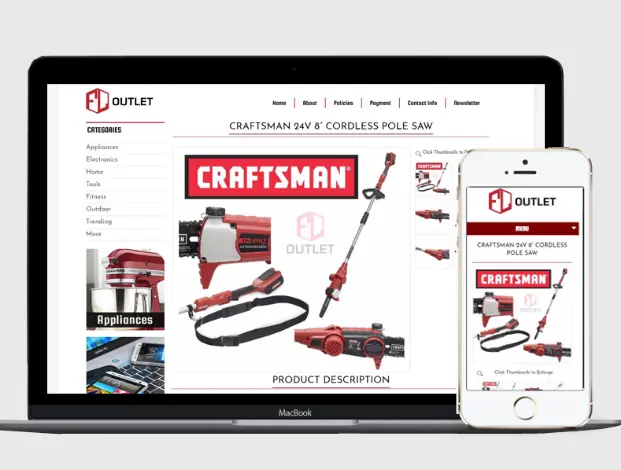
Related services
- Custom eBay listing templatesCustom, mobile-first templates in clean HTML and CSS, applied to your existing listings. Free preview.Learn more
- Premade eBay templates271 designs by industry, $399 flat, customized and installed.Learn more
- Custom eBay store designBillboard, logo, categories and a matching listing template, designed in-house. $999 package, free preview.Learn more
Start a project
Let’s make yours the store buyers remember.
- Fixed quote before any work starts
- In-house team in New Jersey, no outsourcing
- Support long after launch
Prefer to talk? (609) 675-0912 · frannie@ocdesignsonline.com