An eBay template generator alternative with your brand built in
An eBay template generator turns a form into free listing HTML, and that suits a few listings well. For your own brand on every item, we design a template you fill in the same way and set it up in your listing tool. A custom design comes with a free preview first.

Why it matters
What an eBay template generator does, and where it stops
An eBay template generator is a web page or app that turns a form into listing HTML. You pick a layout, type your title, description and policies into boxes, add links to your photos, and copy the code into your item description through the HTML view of eBay’s listing form on a computer. Most generators are free or come with listing software, and a tidy listing takes minutes.
Search results mix up three things that all get called a template. A description design is the branded layout buyers see inside the listing, and it is what a generator makes. A Seller Hub listing template saves listing details so you don’t retype them, and it changes nothing about the look. AI description writers produce the text. This page is about the first kind, and how to get one that fits your business.
The limits of a generator show up as you list more. Everyone who uses it picks from the same few layouts, so your listings look like theirs. The code is only as current as the tool, and older layouts still carry tabs, scripts or plain http images that eBay won’t accept. Each listing is also made one at a time, so when your returns policy changes, every live listing needs editing again.
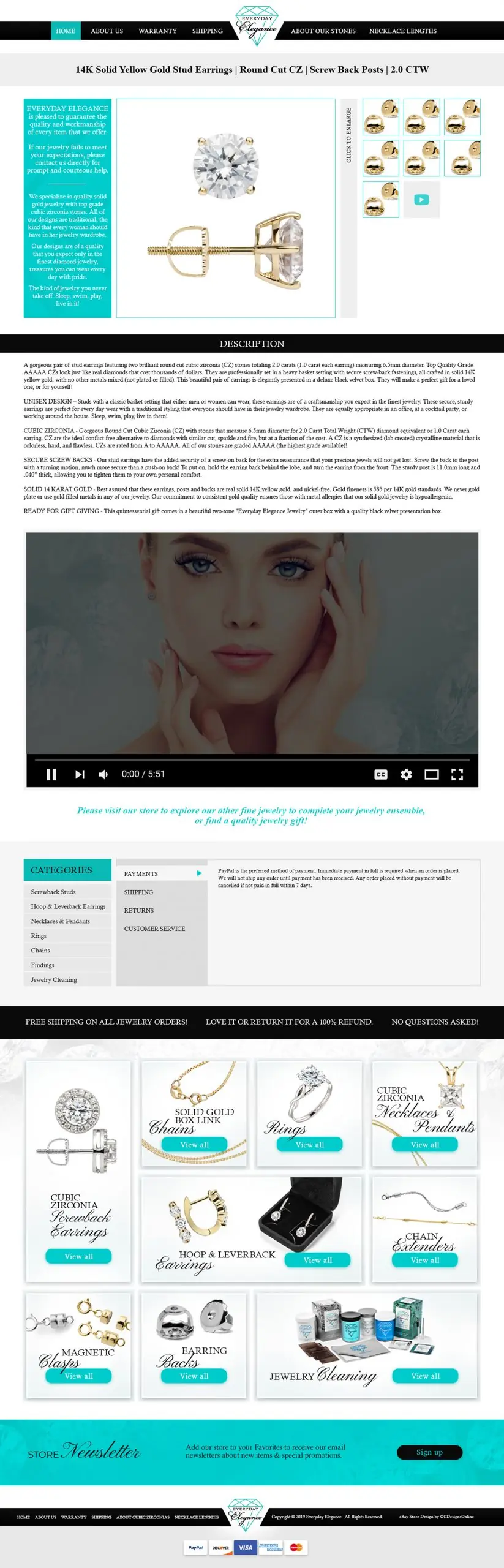
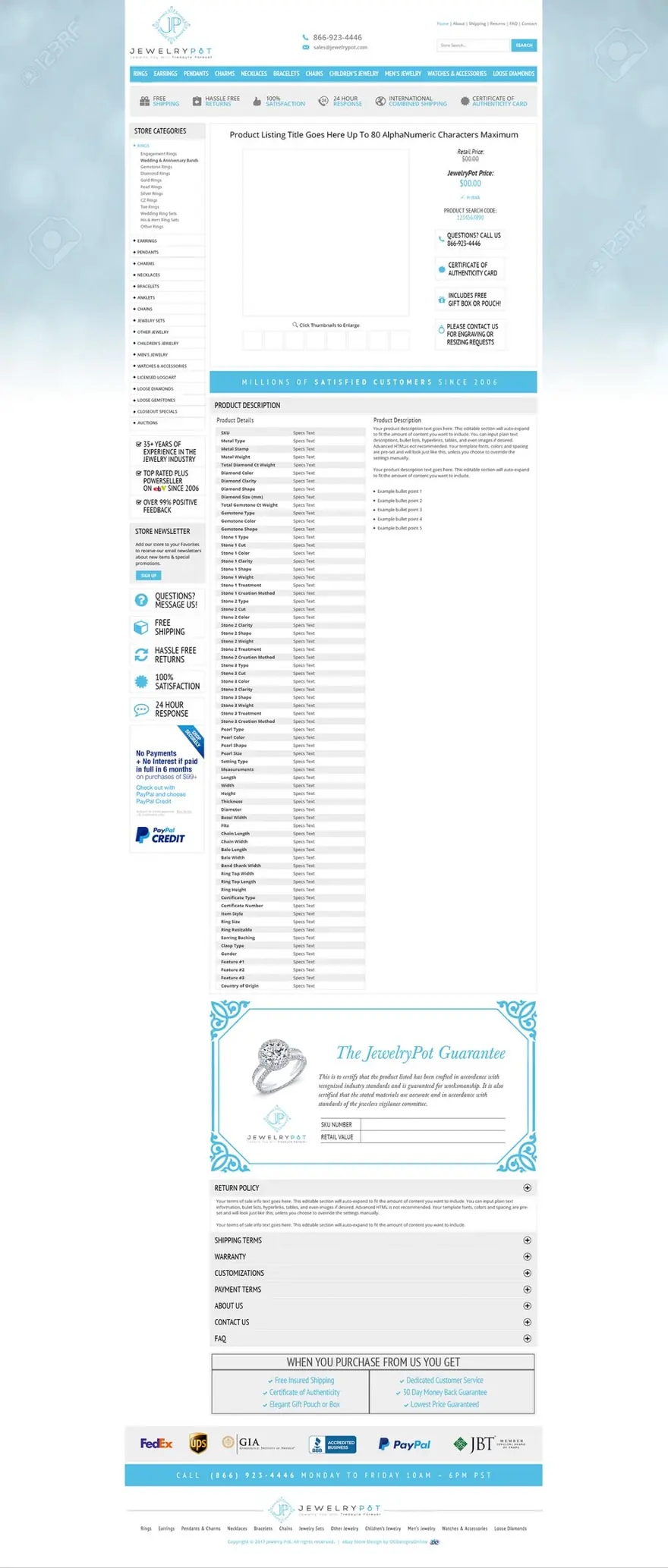
Our templates are filled in the same way, through marked fields for the title, photos, description and item specifics, so a new listing still takes minutes. Each template carries your brand, is written in clean HTML and CSS, and is installed in the listing tool you already use. Frannie Kline founded OC Designs Online in 2005, and our family-owned team in New Jersey has designed listing templates ever since.
If you would rather pay monthly than buy a template, our eBay template application puts your template on your listings and hosts its images for you, for $30 a month or $329 a year. You send us your eBay user ID, and we handle the setup.
Tell us about your storeWhat you get
Fill-in fields, like a generator
Marked places for the title, photos, description and item specifics, so each new listing takes the same few minutes.
Your brand on every item
Your logo, colors and store categories, in a premade design for your industry or one drawn from a blank page.
Saved in your listing tool
Set up in eBay’s listing form or the software you list with, so every new item goes out in the same design.
Put on your existing listings
We update the descriptions of listings you already have, so nothing is relisted.
Code eBay accepts
HTML and CSS only, secure (HTTPS) images, and links only to your other eBay pages.
Checked on phones and in the app
Tested on a phone, a tablet, a desktop and in the eBay app before it goes on a single listing.
Free preview on custom designs
A custom template is shown to you before you commit, and you ask for changes until it looks right.
A team you can call
Call us Monday to Friday, 9 to 5 ET, with questions or changes after launch.
Your options
A free eBay template maker, listing software or a template made for you
How the three routes compare on the work a generator leaves you (October 2026).
| Free generator | Listing software with a template designer | A template made for you (ours) | |
|---|---|---|---|
| Price | Free | A monthly plan | $399 premade, or custom in our $999 store and template package |
| A new listing | Fill in the form, copy the code and paste it into eBay | Choose the design inside the tool | Fill in the marked fields in your tool or eBay’s form |
| Where the template is kept | Often nowhere; some tools save nothing between visits | Inside that tool’s account | A file you keep, set up in your tool |
| Photos and graphics | You host them on a secure server, or the tool does for a time | Usually hosted by the tool | On your own secure hosting or ours, your choice |
| Your live listings | Edited one at a time | Depends on the tool and plan | Updated for you, without relisting |
| If the tool closes or you stop paying | Nothing to cancel, but hosted images can stop showing | Check what happens to templates and images | The template keeps working; there are no monthly design fees |
| Best for | A few listings and a tight budget | Sellers who already list with that software | Sellers who want their store and listings to look like one brand |
Recent work
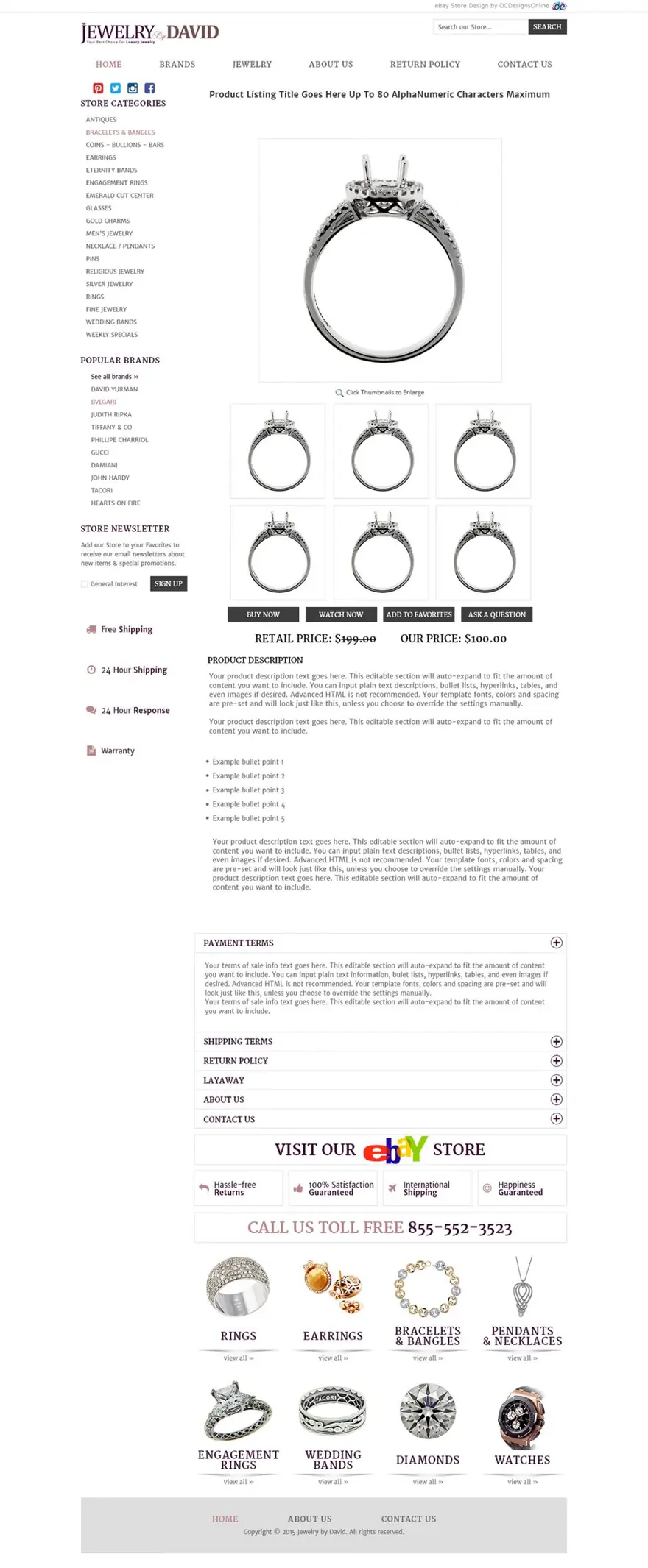
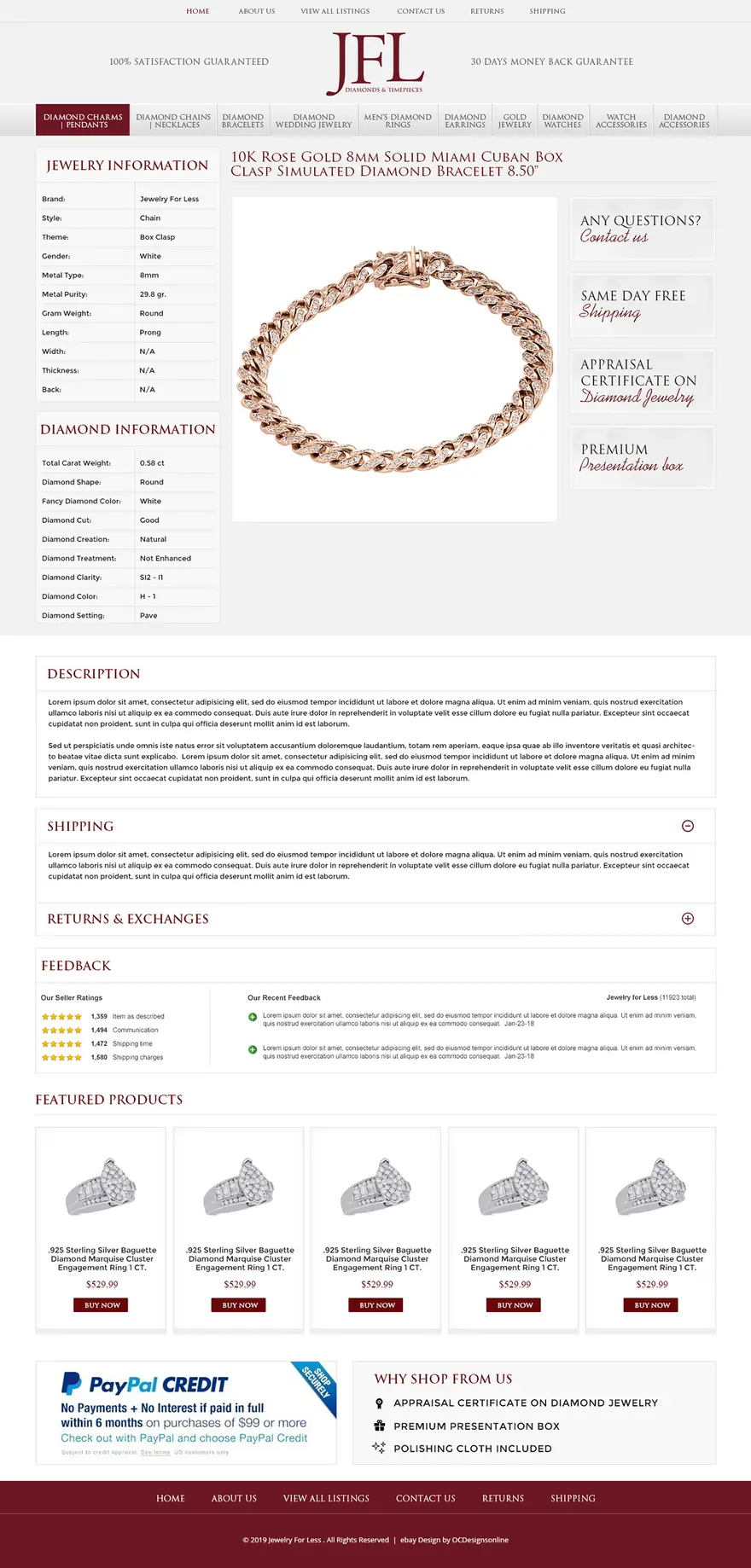
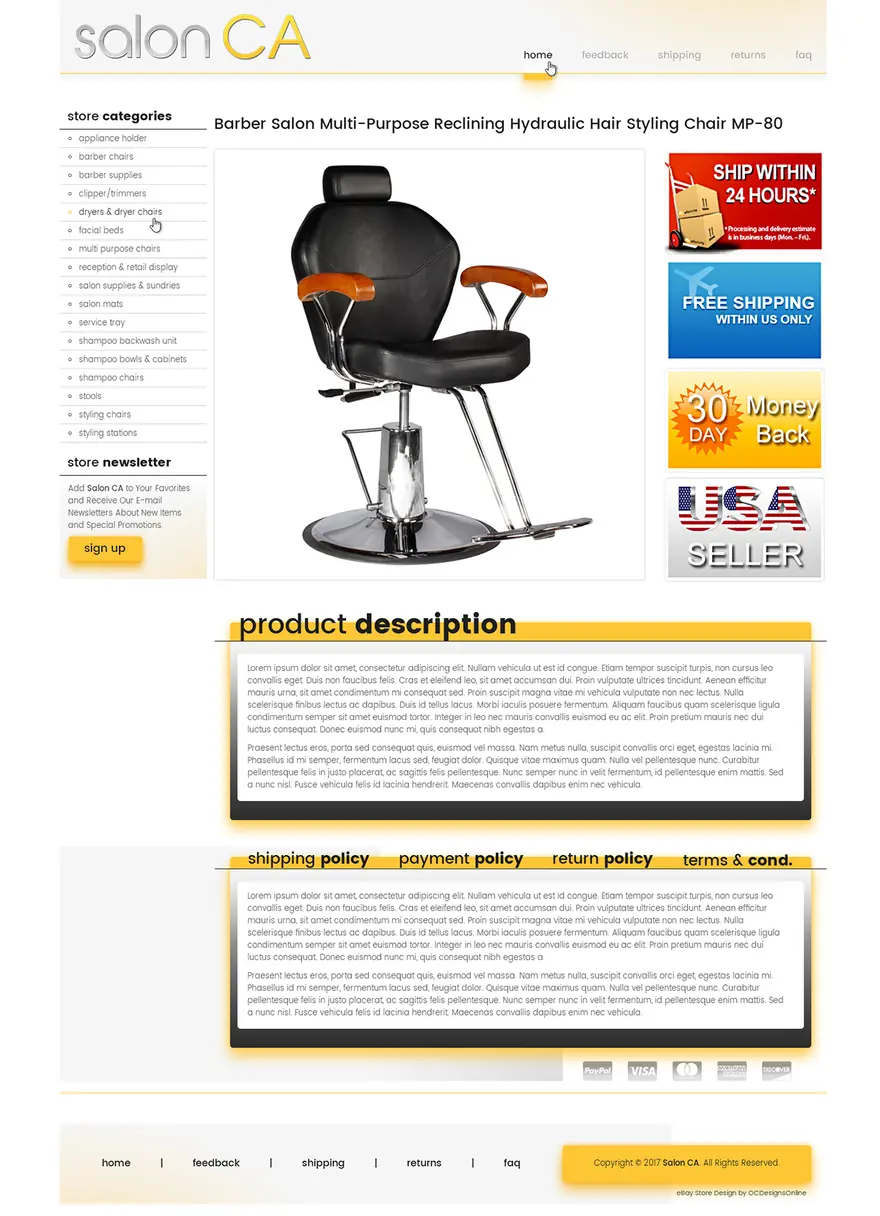
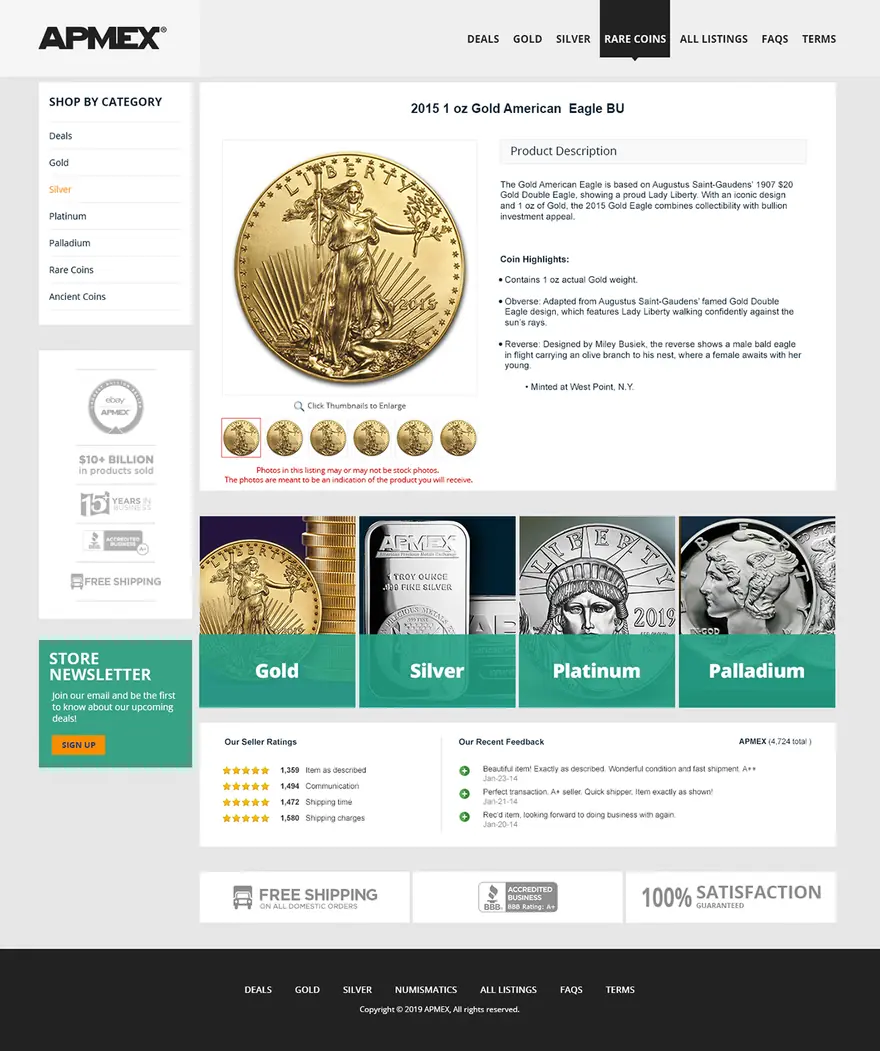
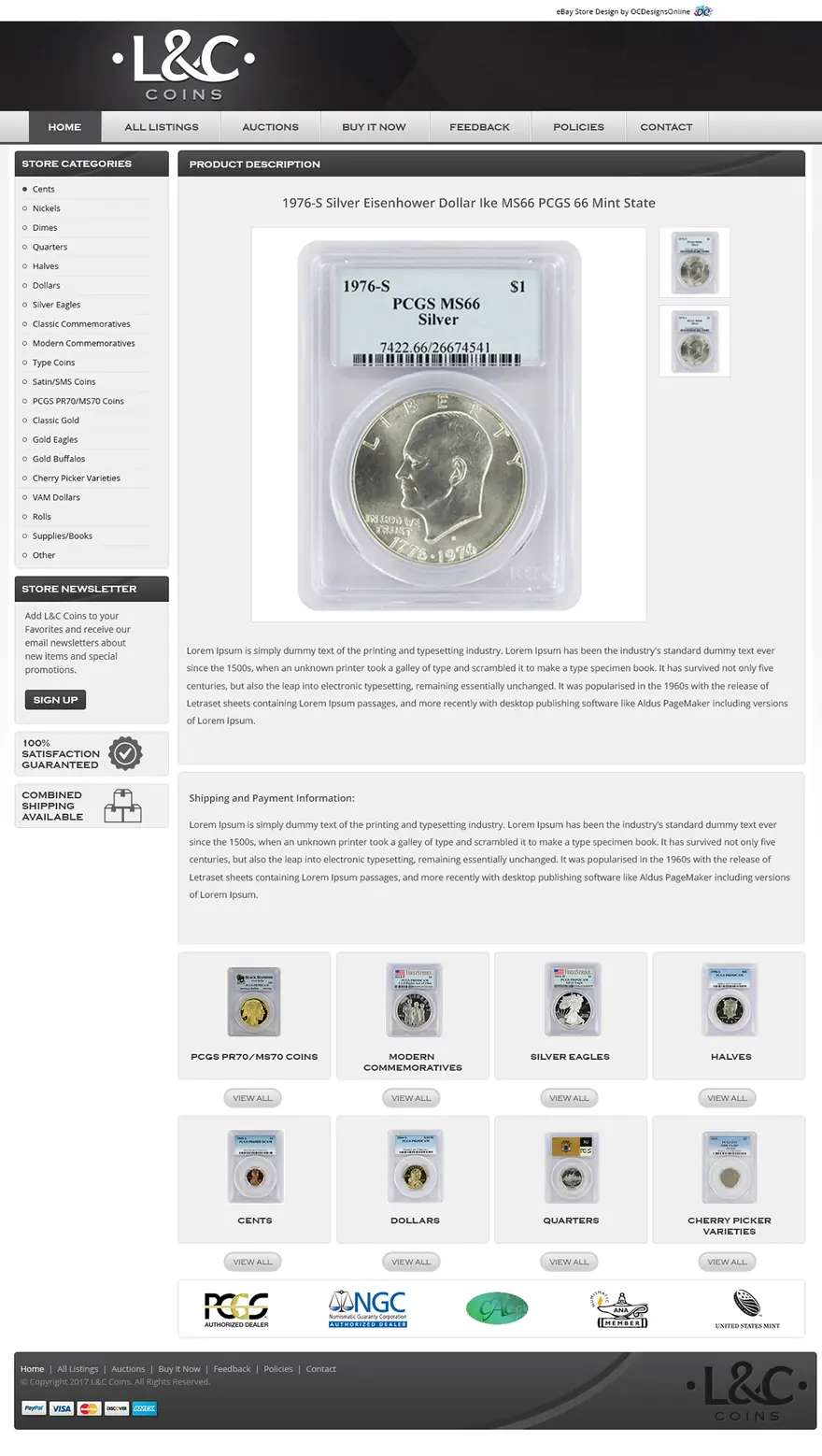
Listing templates we designed for real sellers
Kinds of tools
Free eBay template generators and builders (October 2026)
There are five kinds of eBay template tool. This is what each one gives you and what it leaves to you.
| Kind of tool | Examples | What you get | What’s left for you |
|---|---|---|---|
| eBay’s own listing form | The description editor, and Seller Hub listing templates | A text editor with an HTML view on desktop, and up to 50 saved templates that store listing details | The design: eBay retired its Listing Designer themes in May 2020 and offers no layouts of its own |
| Free web generators | The 3Dsellers free designer, DEWISO, Keywords Everywhere, Sellercore | A layout you fill in online, with no account needed, then copy as HTML | Pasting it into each listing, hosting your images and checking the code |
| Listing software with a template designer | The 3Dsellers app, Auctiva, LitCommerce | Templates inside a listing tool; applying one to all your live listings is usually on paid plans | A monthly plan, about $10 to $80 on the plans we checked, and templates that live in that tool |
| AI description writers | eBay’s AI listing tool, plus free AI generators | Description text written from your title, category or photos | The layout and branding, because they write the text only |
| Template files and freelancers | HTML files on Etsy, gigs on Fiverr | A one-off design file or a designer’s time | Installing it, hosting the images and checking that the code still follows eBay’s rules |
Source: eBay Help: selling templates · eBay Developers: Listing Designer retired · 3Dsellers free template designer · 3Dsellers pricing · Auctiva plans · eBay Inc.: the AI listing tool
Premade templates
271 premade eBay templates at $399 each
$399one-time · your logo, colors and store details included
Pick a design made for your industry and we brand it for you, then install it on your listings.
Browse all templates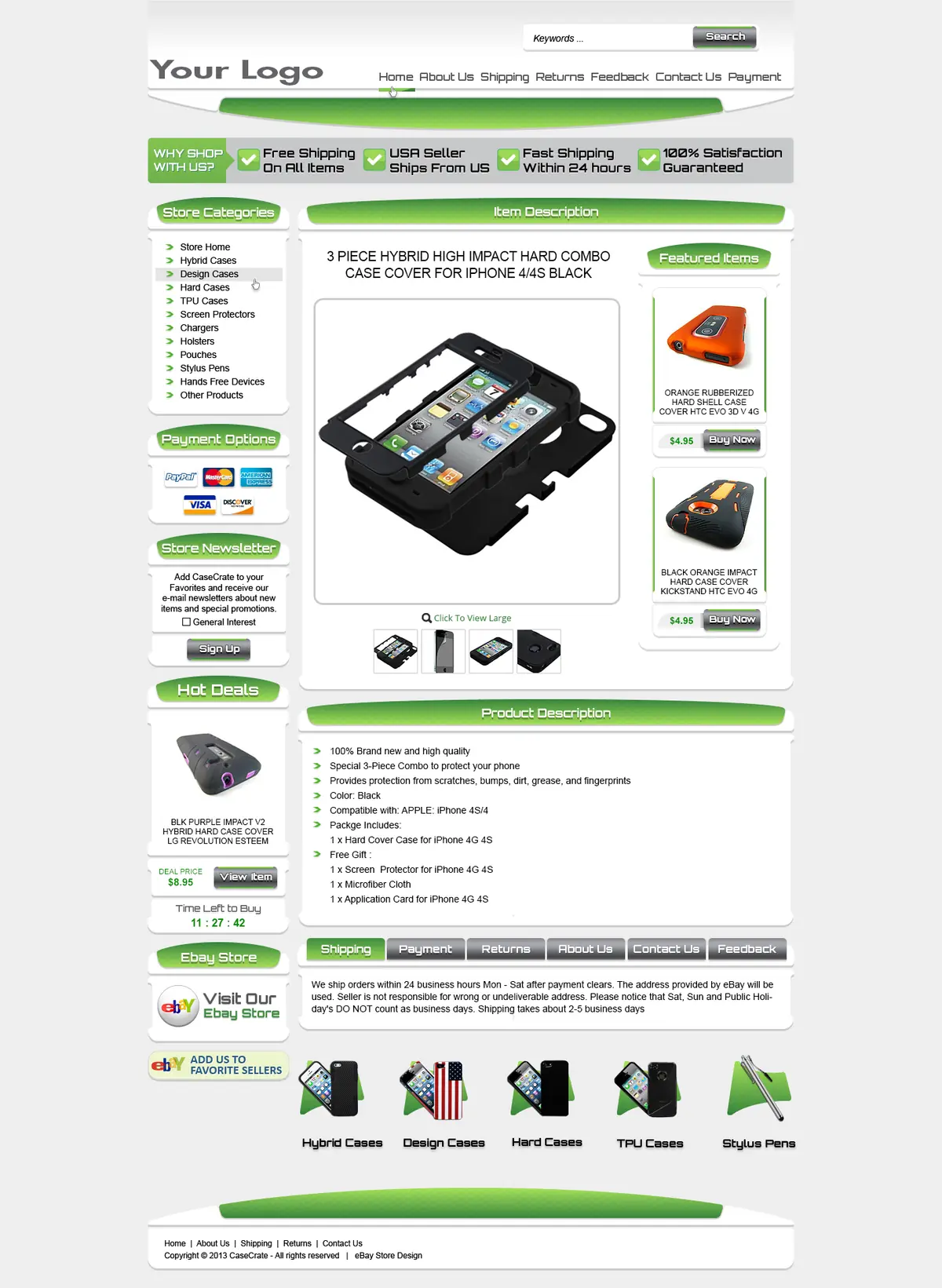
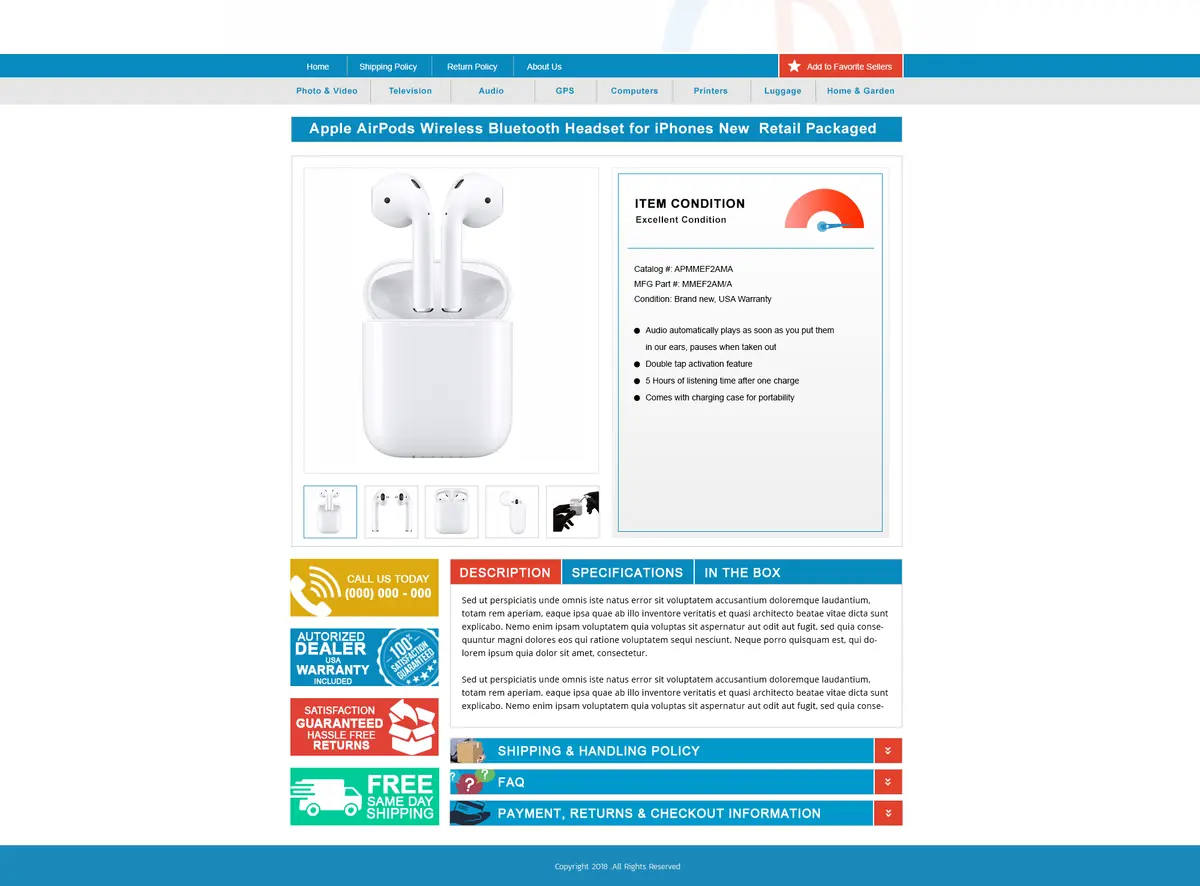
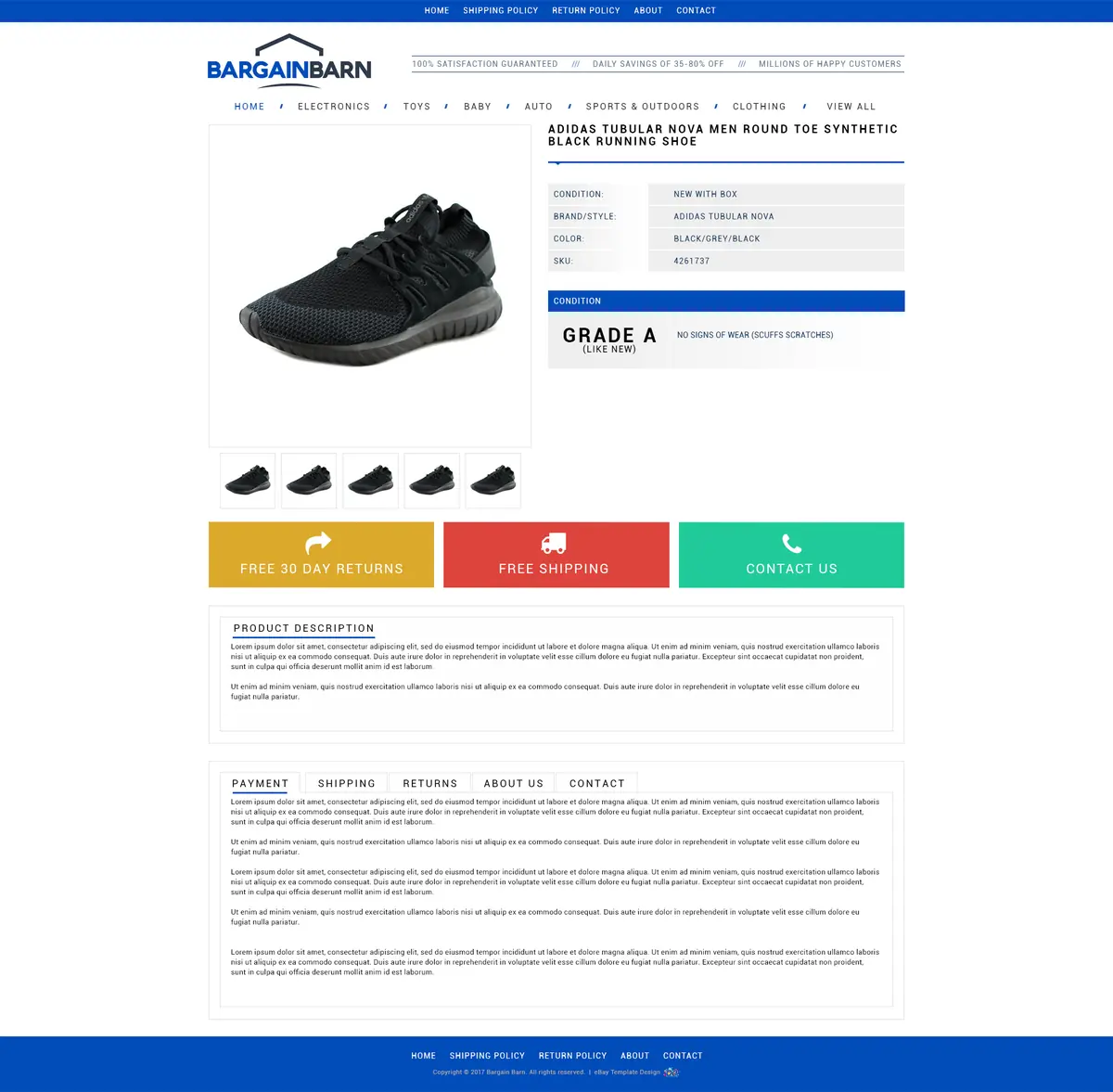
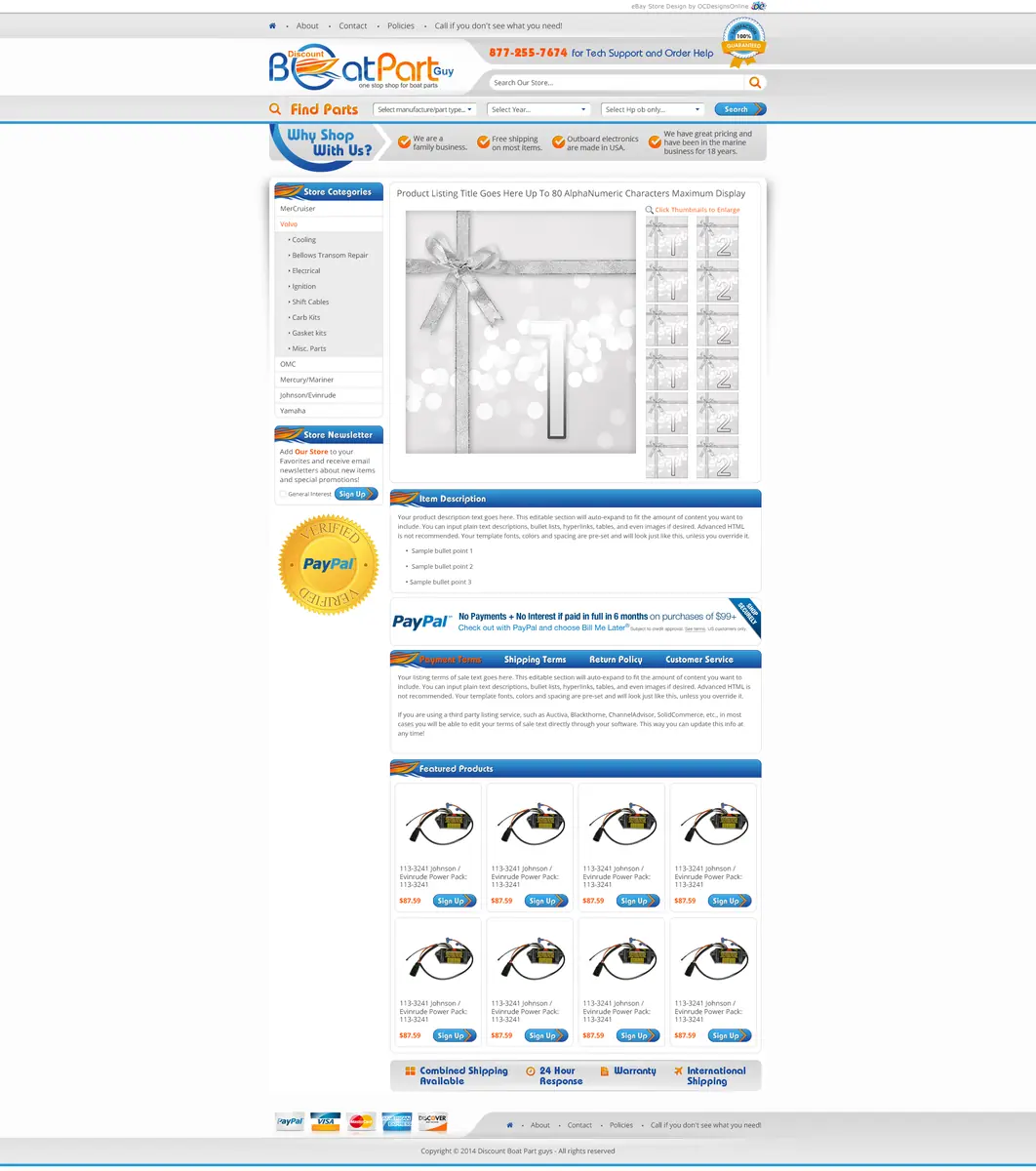
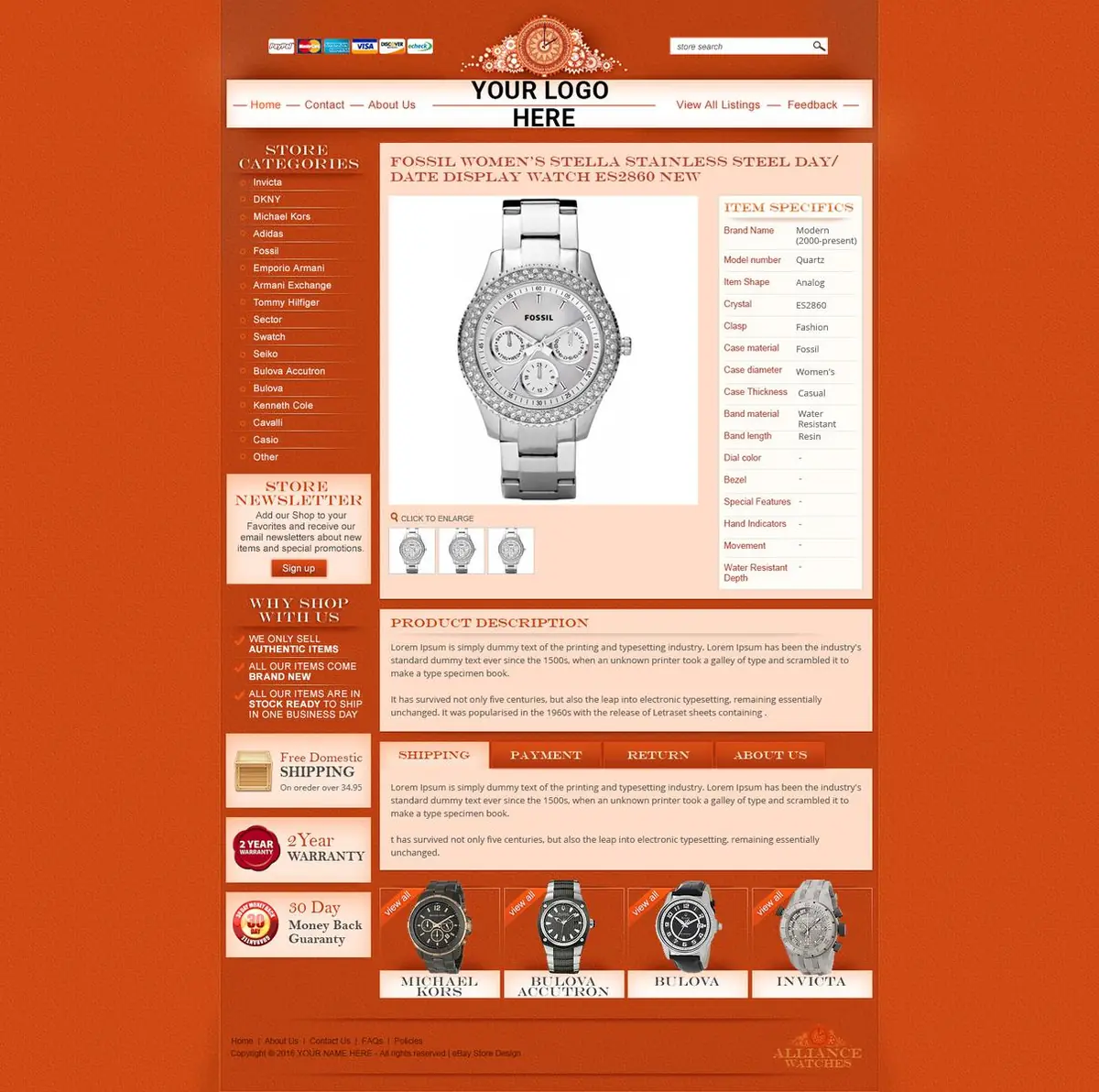
Free preview
See your listing in your own template before you pay
Tell us what you sell and how you list today, and we’ll send a free preview of your template.
- Fill-in fields that work in your listing tool
- Put on your existing listings without relisting
- Unlimited revisions until you approve it
- You own your finished template code
Prefer to talk? (609) 675-0912, Monday to Friday, 9 to 5 ET.
Before you paste
How to make a free eBay template that eBay accepts
If a free tool is the right fit for now, these steps get a clean result from any eBay HTML generator. eBay rejects code it doesn’t allow, so the checks in the middle matter most, and they work on code from any tool, ours included.
Write the content first
Draft what buyers ask about: what the item is, its condition, what’s in the box, and a short shipping and returns summary. Put sizes, fitment and other details in item specifics too, because eBay uses those in search filters.
Pick a one-column layout
A single column with short sections reads best on a phone. Skip layouts that rely on sidebars, tabs or sliding galleries.
Search the code for scripts
Open the HTML and search for “script”, “onclick”, “iframe” and “form”. eBay has banned active content since June 2017, and a listing that contains it gets a “Disallowed JavaScript/HTML Syntax” error.
Look for tabs, counters and sliders
eBay’s mobile guide bans tabs and counters along with scripts. Older generator layouts often use them for product details and photo galleries.
Check every image address
Each image has to load from an https:// address. If the generator hosts your images, find out for how long: one free plan we checked shows them for 30 days, then a placeholder.
Check the links
Descriptions may link to your other eBay listings and store pages, product videos, eBay-approved freight services and legally required information. Links to your own website or to another checkout are not allowed.
Look for a tool credit
If a tool adds its own name or link to the code, remove it where its terms allow, so the listing carries only your brand.
Paste it and preview at phone width
Paste the code into the HTML view of the description on a computer, then preview the listing with your browser narrowed to phone size. Text should stay readable without zooming, with a base size of about 16 px, and nothing should scroll sideways. Save the finished code in a file so the next listing starts from it.
Keep your main photos in eBay’s photo uploader as well, up to 24 per listing at 500 px or more. eBay recommends the uploader over images in the description, and phone buyers see that gallery first.
Source: eBay active content policy · eBay links policy · eBay: mobile-friendly listings · ebaydesigner pricing
Enough or not
When an eBay listing template builder is enough, and when it isn’t
Plenty of sellers do well with a generator for years. These are the signs we hear about from sellers who decide to move on, and what each choice does about them.
| What you notice | Staying with a generator | A premade or custom template |
|---|---|---|
| You list a few items a month | A generator is the sensible choice | Probably more than you need yet |
| A policy change means editing hundreds of listings | Each listing is edited by hand | We update your existing listings for you |
| Your listings look like other sellers’ listings | Change colors and fonts within the shared layouts | A design for your brand and your industry |
| Your eBay store has its own logo and colors | Match them by hand where the generator allows | One look across the store and every listing |
| Buyers keep asking the same questions | Type the answers into each description | Sections for fitment, sizing, condition or care, built into the layout |
| The description breaks on phones | Look for a newer layout in the tool | A layout made for phones first and tested in the eBay app |
| Your listing tool closed or changed | Rebuild the template in the next tool | We set the template up in whichever tool you move to |
Already selling
Using a generator today? Send your eBay store link
We look at your current listings before we talk, then show you the same items in a template made for your brand.
- Your existing listings updated without relisting
Prefer to talk? (609) 675-0912, Monday to Friday, 9 to 5 ET.
Where it lives
Where your eBay template lives, from eBay’s form to listing software
A template you reuse has to be saved where new listings can pick it up. This is how that works in each place sellers list from.
| Where you list | How the template is used | What we set up |
|---|---|---|
| eBay’s listing form on a computer | Paste the template into the description’s HTML view, then fill in the item details | A ready file with marked fields, and a short guide to pasting it |
| The eBay app | Buyers see a designed description after they tap “See full description”, and sellers report that the app shows pasted HTML as code when you edit | A design that reads well in the app; edits are done on a computer |
| Listing software (Sellercloud, SureDone, Solid Commerce, ChannelAdvisor (Rithum), 3Dsellers) | Saved once as the tool’s description template and filled from your product data | The template installed and tested inside your tool |
| A tool that has closed | inkFrog told users it would close on June 1, 2026, with data export until May 31 | Your template rebuilt and set up in the tool you move to |
Source: Value Added Resource: descriptions in the eBay app · eBay Community: HTML in the app · Value Added Resource: inkFrog shuts down
How we work
From a generator to a template of your own
Premade templates are usually live within a few business days. Custom templates take about three to four weeks.
Works with eBay’s listing form and Seller Hub, Sellercloud, SureDone, Solid Commerce, ChannelAdvisor (Rithum) and 3Dsellers.
Start with the questionnaire-
Send a listing you like
Send us a listing made with your generator, or your store link, and tell us which tool you list with. We agree on a fixed price before any work starts.
-
Free preview
You see one of your own items in the new design, with your logo, colors, policies and store categories in place.
-
Revisions
Ask for changes until you approve it. We check every layout on phones, tablets, desktops and in the eBay app.
-
Install
We set up the fill-in fields in your listing tool and put the template on your existing listings without relisting.
Client words
Sellers say it better than we can
-
We started with an eBay store and eBay listing. This had my sales skyrocket in ways I would have never thought. Taking the same design scheme and moving it to a website makes branding everything tie together.
Modern PrepeBay store, listing template & website
-
Our customers and peers comment all the time about how professional our storefront appears and how clean and crisp our listings are. Most responsive company, delightful to work with. Highest recommendation.
ConnectiblesCustom eBay store
-
OCD is great to work with and very responsive! More importantly they still support you long after the sale.
Jeff ArkelleBay design client
-
We have been working with the team at OCdesigns for the last six years. They are always fast to reply to our requests, and our project manager is always on top of everything to do with our job. Hire OCdesigns, you will not be sorry!
Northern Marine ElectronicseBay & BigCommerce redesign
-
Frannie and OC Designs did an AMAZING job redesigning our Stun & Run Self Defense website. … We were not wrong.
Stun & Run Self DefenseBigCommerce store redesign
-
They were super friendly and open to feedback throughout the entire process. The in-depth questionnaires really helped us relay exactly what we wanted our new site to look like.
Kyrie VanOverWebsite makeover
-
They lived up to their reputation, their claims, their portfolio, their reviews, and genuinely went above and beyond in explaining and guiding us every step of the way. … You will have tremendous success with what is — we can assure you — marginal costs compared to other so-called professionals.
Sprinkler HutShopify & BigCommerce store
-
They are real people in the USA that can be reached in a variety of ways. Yes, they have a phone number and answer their calls!
Modern PrepLong-time client
Good questions
Questions about eBay template generators
Something else on your mind? Call (609) 675-0912 and a real person answers.
How our projects workDo you offer an eBay template app?
Yes. Our eBay template application is a subscription. We put your template on your listings and host its images for you, and you can pay monthly or yearly. You send us your eBay user ID, and we handle the setup.
What is an eBay template generator?
It is a tool that turns a form into listing HTML. You choose a layout, fill in your title, description, photos and policies, and paste the code it produces into your item description on eBay.
Is there a free eBay template generator?
Yes. Several free web tools build listing HTML from a form without an account, and most listing software includes a template designer on its paid plans. Free tools suit a few listings; expect to host your own images and paste the code into each listing yourself.
Are free template generators safe to use?
Many are, but check the code before you paste it. Search it for scripts, tabs and forms, make sure every image loads from an https address, and remove any link to another website. eBay blocks listings that contain active content.
Does eBay have its own template generator?
Not for design. eBay retired its Listing Designer themes in May 2020. Seller Hub listing templates, up to 50 of them, save listing details so you can list similar items faster, and eBay’s AI tool can write description text, but neither changes how the description looks.
How do I add a generated template to my eBay listing?
On a computer, open eBay’s listing form, switch the description to its HTML view and paste the code, then fill in your item details and preview the listing before you publish. Sellers report that the eBay app shows pasted HTML as raw code, so do this step on a computer.
Can an AI or HTML description generator write my eBay description?
An AI generator, including eBay’s own AI listing tool, can write description text from your title, category or photos. Check the details before you publish. An HTML generator handles the layout instead, and many sellers use both: AI for a first draft of the text, a template for the design.
What happens if my old template has active content?
eBay won’t accept new listings or revisions that contain it, and shows a “Disallowed JavaScript/HTML Syntax” error. It has also removed active content from existing listings, so parts of an old template can vanish. Replacing the template with clean HTML and CSS fixes both problems.
Why does my generated template look wrong on phones?
Usually because it uses fixed widths, small text or tabs built for desktop screens. eBay asks for layouts that scale to any screen, a base font of about 16 px and no tabs. Our templates are built for phones first and tested in the eBay app.
Can I apply one template to all my live listings at once?
Not with a free generator, which makes one listing at a time. Some listing software can do it on paid plans. With our templates, we update the descriptions of your existing listings for you, so nothing is relisted.
Do I need hosting for the images in a template?
Yes. Any image inside the description has to load from a secure https address. Some generators host images for you, but free hosting can be time-limited. We can host your template graphics, or you can use your own secure hosting.
Is there eBay template software I can download?
Most eBay template tools now run in a web browser, either as free online generators or inside listing software, so there is usually nothing to install. Whichever you use, the result is HTML that you paste or save into your listing tool.
How is your template different from a generator?
You fill it in the same way, through marked fields, but the design is made for your brand, the code is checked against eBay’s rules, and we install it in your listing tool and on your existing listings. You see a free preview before you commit.
Do I own the template?
Yes. Once the project is paid, the finished template code is yours to use in any listing tool, and you can keep a copy for your records.
What happens to my templates if my listing tool closes?
Templates saved inside a tool usually go with it when the tool closes. Check that your template images sit on hosting you control. We can rebuild your template and set it up in the tool you move to.
Related services
- Premade eBay templates271 designs by industry, $399 flat, customized and installed.Learn more
- Custom eBay listing templatesCustom, mobile-first templates in clean HTML and CSS, applied to your existing listings. Free preview.Learn more
- eBay template add-onsImage zoom, tool tips, condition graphics and category menus, rebuilt in CSS for your eBay listing template.Learn more
Start a project
Let’s make yours the store buyers remember.
- Fixed quote before any work starts
- In-house team in New Jersey, no outsourcing
- Support long after launch
Prefer to talk? (609) 675-0912 · frannie@ocdesignsonline.com